

Looking for the best WordPress page builder in 2026? We compare Elementor, Divi, Bricks, Gutenberg,…
8 Best Zapier Alternatives Compared (2026)
Looking for the best Zapier alternatives? We compare 8 top automation tools on pricing, integrations and AI to help you find the right Zapier replacement.
It’s 9 p.m. and you’re still copy-pasting form entries into your email list—again. At some point, you’ll need to update the spreadsheet too. Then there are the tags you can’t remember if you’ve applied correctly, and the invoices that are out of sync with your orders. It will be midnight before you can finally step away from your computer.
If any of that sounds familiar, you don’t need more hours in the day. You need automation.
For years, the default answer was Zapier. But between per-task pricing that punishes growth and shallow WordPress support, more and more site owners are searching for Zapier alternatives—and finding a confusing pile of results: some are actual WordPress plugins, some are cloud services that connect to WordPress, and one is really just a CRM-syncing tool, not a full automation platform. And now they’re all advertising “AI automation” and “agentic automation,” but it’s hard to tell what’s hype and what’s helpful.
All of that makes trying to compare automation tools feature-by-feature nearly impossible. That’s why I put together this list of the best Zapier alternatives with clear guidance on which tool actually fits your situation—not just which one has the longest feature list.
That said, before we go any further, I should be upfront: we make Uncanny Automator, so yes, we have a horse in this race. I’ve still done my best to be fair. Where another tool is the better pick for your situation, I’ll say so.
By the end of this post, you’ll know exactly which of these eight Zapier alternatives fits the way you work.
Why Look for a Zapier Alternative?
Zapier has earned its spot as the default automation tool.
With 9,000+ integrations and name recognition so strong that “just Zapier it” might as well be a verb, it’s usually the first tool people try. So why are so many of us searching for a Zapier alternative?
- Per-task pricing punishes growth. Every action your workflows perform consumes a task, so your bill climbs right alongside your success.
- WordPress support is shallow. Zapier offers just a handful of WordPress triggers in total, while WordPress-native plugins expose hundreds of site-specific events.
- Your data leaves your site. Every workflow routes through Zapier’s servers—a real consideration for privacy-conscious and/or regulated industries.
- The free plan is tight. 100 tasks per month with 15-minute polling runs out faster than you’d think.
None of that makes Zapier a bad tool—it makes it the wrong tool for some jobs. Each of the eight Zapier alternatives below fixes at least one of these complaints, and I’ll be specific about which.
How We Picked These Zapier Alternatives
Every automation tool talks about “streamlining” your workflows and giving you hours of labor back. But they often use different terms to refer to the same things—I have to confess, we’re also guilty of this—making comparisons difficult.
Zapier talks about “Zaps”. We’re over here cooking up “recipes”. OttoKit will give you unlimited “Workflows”, but a finite number of “tasks”. If that feels like comparing apples and oranges, don’t worry.
To compare the automation plugins and SaaS tools on this list, I’ve developed a simple framework for comparing like with like. I’ve examined each tool across the same seven dimensions that actually impact the user’s (your) experience most:
- What it actually does
- Where it runs (on your server or someone else’s)
- Free version (availability and features)
- Pricing model
- Integrations
- AI capabilities
- Who it’s best for
None of the automation tools on this list are here for a participation trophy—they’ve all earned their spot. Each one is the right tool for someone.
So, whether you end up calling your automated workflows “recipes”, “Zaps”, or just automations, by the end of this post, you’ll find a solution that’s right for you.
The Best Zapier Alternatives Compared (at a Glance)
Looking for a quick reference or overview? Here’s how the best Zapier alternatives (and Zapier itself, as the baseline) stack up:
If you’d rather get some first-hand experience, install and activate Automator Lite >>> (It’s free forever, with complimentary app credits for limited access to app integrations.)
If you’re looking for a deeper dive before you click that “Install” button, the rest of this article has the details you need to make an informed decision.
WordPress Automation Plugins vs Cloud Automation Tools: What’s the Difference?
The easiest way to get started is understanding the difference between WordPress-native solutions and their cloud alternatives.
- WordPress-native automation runs on your own server (via your web host), powered by a plugin installed on your WordPress site. That means that WordPress automation plugins have easier access to your full site—users, purchases, course completions, form submissions, membership changes, etc. It also means your data stays on your site, no third-party handling.
- Cloud automation platforms work differently. Your workflows are executed on their servers. Your site’s data travels to their cloud, gets processed there and the results come back.
For the non-developers in the audience (that includes me), this might seem like a distinction without a difference, but it matters in a few key ways. Don’t worry, I’m not going to start throwing around terms like “REST API” or “OAuth”.
Here’s how WordPress-native versus cloud-based SaaS automation tools actually impact you:
- Pricing: Cloud-based automation tools like Zapier, Make, and OttoKit have no choice but to “meter” your workflows because each one costs them money. That’s why they charge per-task. WordPress-native solutions, on the other hand, can charge flat rates because they let you use more of what you already have (i.e., capacity on your hosted server).
- Privacy and data security: While cloud-based automation tools do their best to secure your data and protect your and your customers’ privacy, there’s no getting around the simple reality that your data leaves your site. Every time. For businesses with customers in Europe or California, that has implications for GDPR and CCPA compliance.
Neither approach is “wrong”. Cloud platforms provide extensibility beyond WordPress that no WordPress plugin ever could. But if your workflows revolve around your WordPress site, native plugins are deeper, faster and almost always cheaper.
With that sorted, here’s the lineup.
1. Uncanny Automator: Best Overall WordPress Automation Plugin
Uncanny Automator is the #1 automation tool for WordPress sites. And, with the introduction of Uncanny Agent, the #1 AI plugin for WordPress as well.
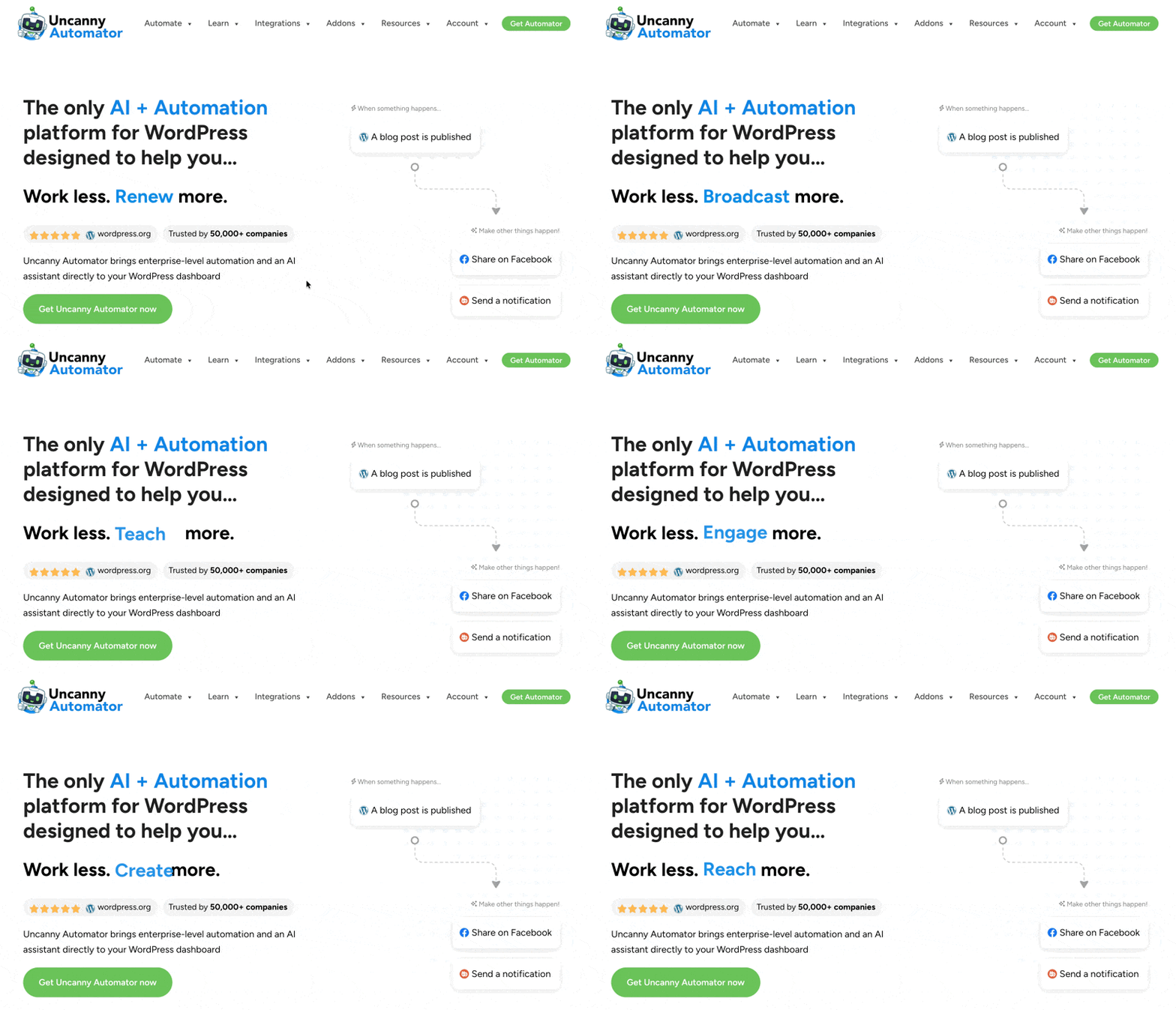
Using combinations of triggers and actions, Automator lets you create recipes that connect your tech stack to execute your workflows and repetitive tasks. From reporting and sales funnels to content creation and user management, Automator is the tool that lets you steer your business hands-free.
No code, no flowchart degree required.
Here’s what sets Automator apart from the other tools on this list:
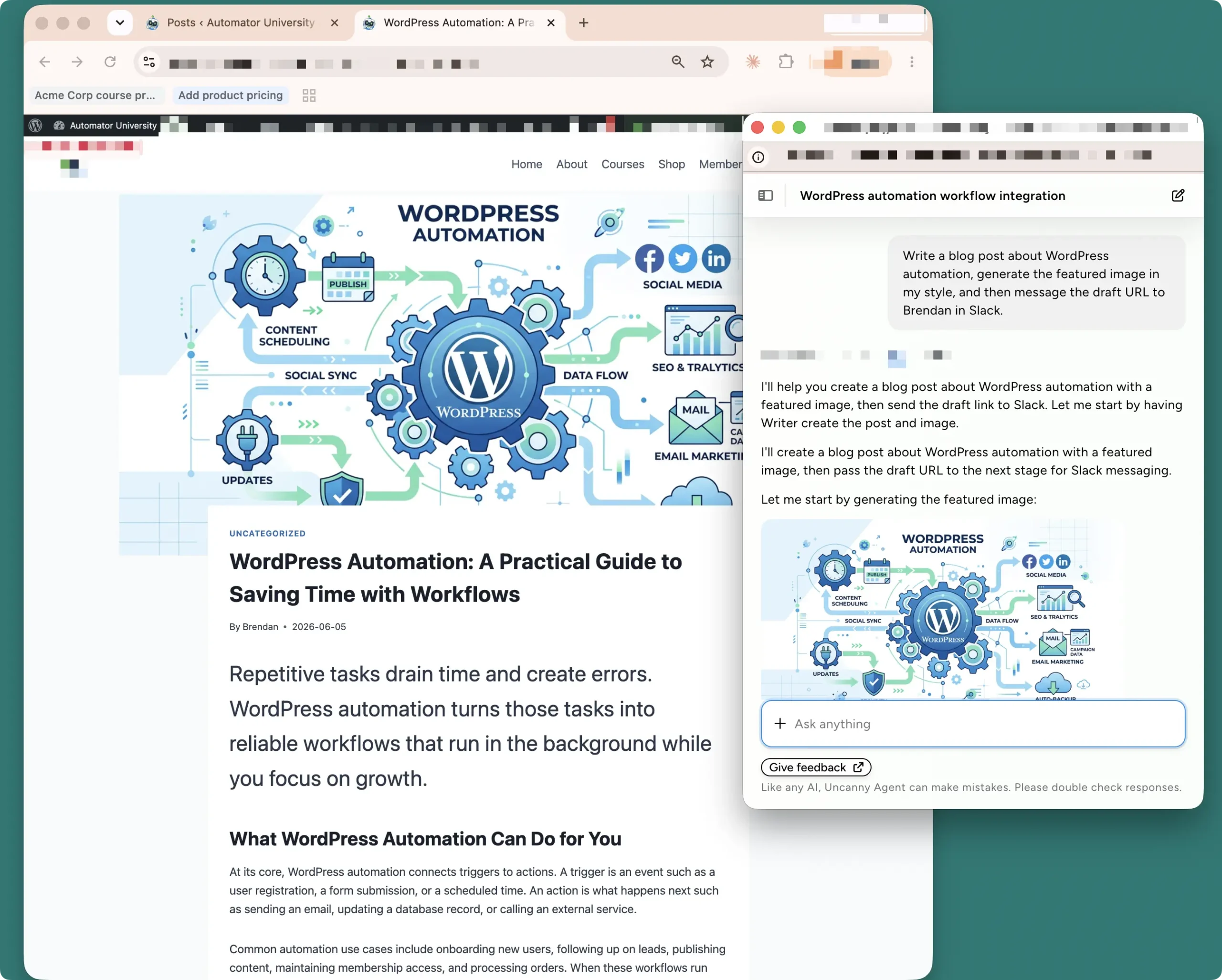
- Uncanny Agent: Automator’s AI assistant for your WordPress site. Unlike other AI agents, you interface with Uncanny Agent directly in your WordPress dashboard. And, because Agent is built alongside WordPress’ most powerful and extensive automation engine, you can actually execute workflows simply by asking. “Write a blog post about WordPress automation, generate the featured image in my style, and then message the draft URL to Brendan in Slack.” Done.
- Addons: Automator is the only automation tool for WordPress with (free) addons that are usually separate plugins.
- There’s the Restrict Content Addon that lets you gate content by access levels you define.
- The User Lists Addon gives you metadata-level segmentation within WordPress.
- The Custom User Fields Addon lets you set that metadata without rooting around in scary places like phpmyadmin.
These addons (and a few more) are already included in Automator’s most popular plans—a solid start-up kit for any WordPress business.
Neither Uncanny Agent nor the addons are separate products. Uncanny Agent is included in plans for as little as $25/month—that’s the same price as a ChatGPT Plus subscription for an AI that already knows your site and business and can work within them.
Of the automation tools on this list that have fixed-cost pricing, Automator is the most powerful. We did, after all, make this plugin for you to break limits, not get constrained by them.
Uncanny Automator Pricing
- Lite: $0/month (unlimited recipes)
- Basic: $25/month (unlimited recipes + unlimited app credits + Uncanny Agent)
- Plus: $40/month (everything in Basic + 10 site license + addons)
- Elite: $60/month (everything in Plus + 50 site license + Elite addons)
All prices are listed in USD as of July 17, 2026 and reflect monthly pricing for annual subscriptions of an AI + Automation plan. Legacy Automator plans (without access to Uncanny Agent) are also available.
See the latest prices for Uncanny Automator >>>
Uncanny Automator Pros
- Deepest WordPress coverage of any tool here (for example, 26 LearnDash triggers vs the 6 WordPress triggers Zapier offers in total)
- Uncanny Agent, a site-aware AI assistant, included with every Pro plan
- Flat pricing with unlimited recipes and runs; no “success tax” when your site gets busy
- Your data stays on your server instead of round-tripping through a third-party cloud
- Easy webhook extension to expand integrations from 253+ to the world wide web.
Uncanny Automator Cons
- Like any plugin, very high-volume automation depends on decent hosting
- The deepest features (custom code actions, Loops, advanced conditions) require a Pro license
Who is Uncanny Automator best for?
Uncanny Automator is best for anyone whose workflows center on their WordPress site (course creators, membership site owners, WooCommerce stores, content publishers).
Download Automator Lite free and build your first recipe in minutes >>>
2. OttoKit: Best Budget Cloud Hub for Agencies
OttoKit comes from Brainstorm Force—the team behind Astra—and gets recommended in WordPress circles so often you’d be forgiven for thinking it’s a WordPress plugin. Here’s the twist: it isn’t.

OttoKit is a cloud automation platform. Your workflows run on OttoKit’s servers, and a free connector plugin links your WordPress site to their cloud.
You build automations across 1,500+ apps, and because everything runs off-site, pricing is metered by “tasks”—each action a workflow performs counts against a monthly allowance. That’s not a flaw, just a fact that shapes everything about how it fits your stack and your budget.
What OttoKit does well, it does cheaply. It also leans hard into AI, with goal-driven AI agents on paid plans and an MCP server (free while in beta) that connects your apps to assistants like Claude and ChatGPT.
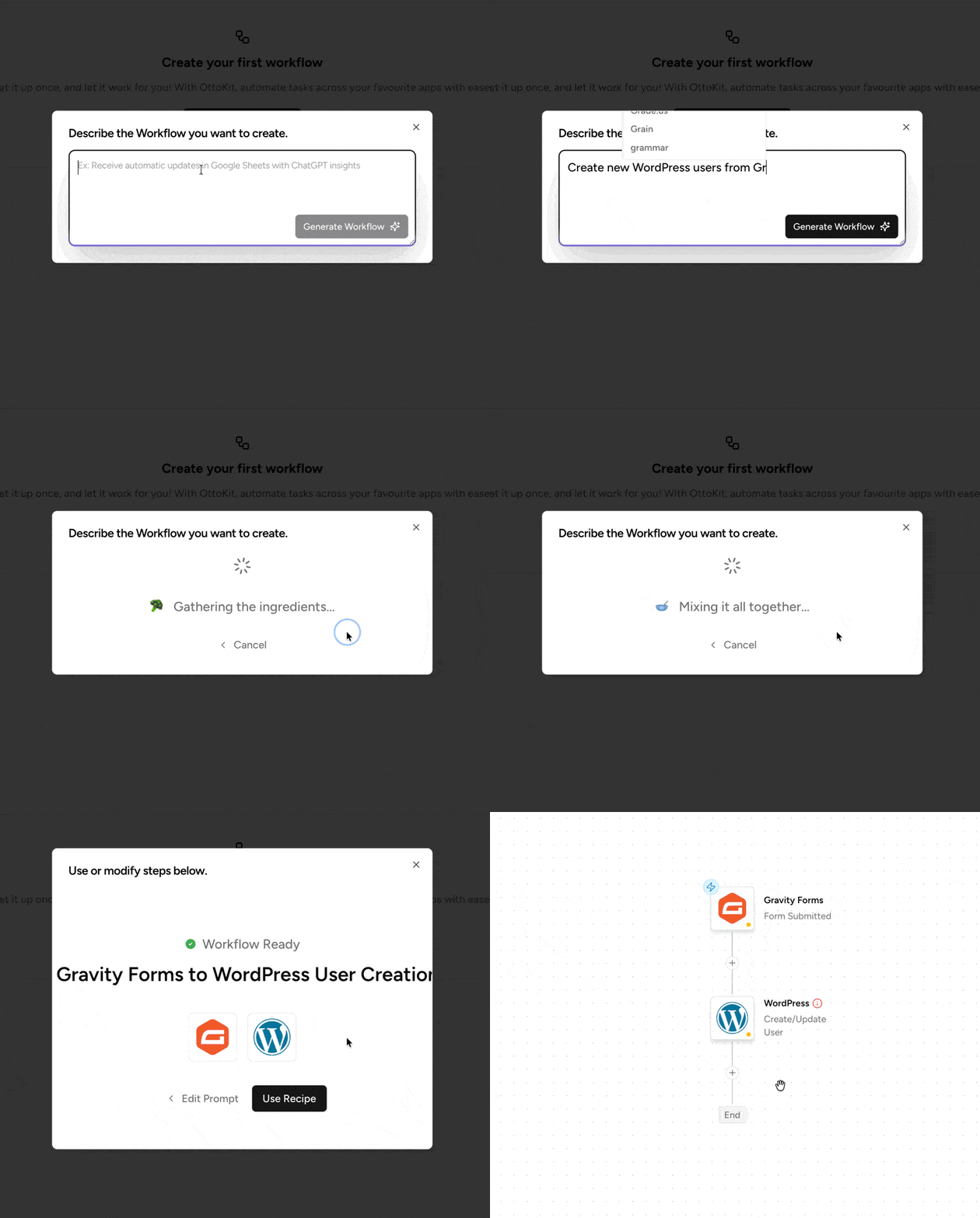
The catch is that “cloud” cuts both ways. Your site’s data takes a round trip through OttoKit’s infrastructure, and the moment your automations get busy, the task meter starts working against you. For an agency running lean automations across dozens of client sites, though, the math can be hard to beat.
OttoKit Pricing
- Free: $0/month (250 tasks/month)
- Pro: $9/month (5,000 tasks/month, 5 WordPress connections)
- Business: $19/month (10,000 tasks/month, unlimited WordPress connections)
- Business Plus: $39/month (30,000 tasks/month)
All prices are listed in USD as of July 17, 2026 and reflect monthly pricing.
See the latest prices for OttoKit >>>
OttoKit Pros
- Very low entry price for a cloud platform
- Large app library—OttoKit claims 1,500+ integrations
- AI agents, human-in-the-loop approvals, and a free-in-beta MCP server
- Workspaces and unlimited WordPress connections on Business plans and up suit agencies
OttoKit Cons
- Cloud architecture: workflows and data live on OttoKit’s servers, not your site
- Task metering—automation stops counting in your favor the moment you get busy
- AI agents are excluded from the free plan, and human-in-the-loop approval needs Business or higher
Who is OttoKit best for?
OttoKit is best for agencies and freelancers who want one inexpensive cloud hub wired into many client WordPress sites, and who are comfortable with workflows running off-site.
3. FlowMattic: Best for Self-Hosted Power Users
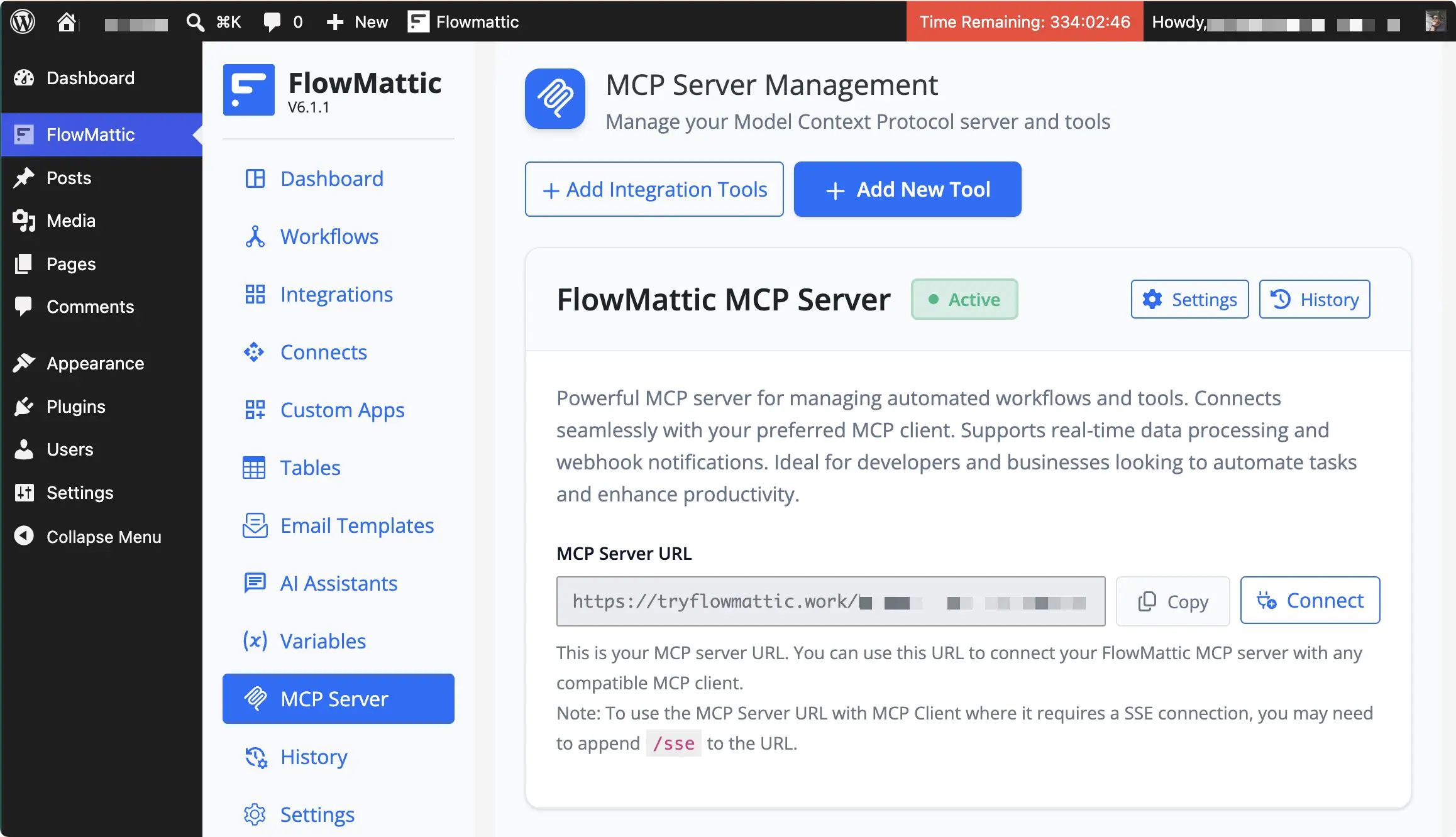
FlowMattic is the tinkerer’s pick: a fully self-hosted automation plugin where everything—workflows, data, execution logs—lives on your own server.
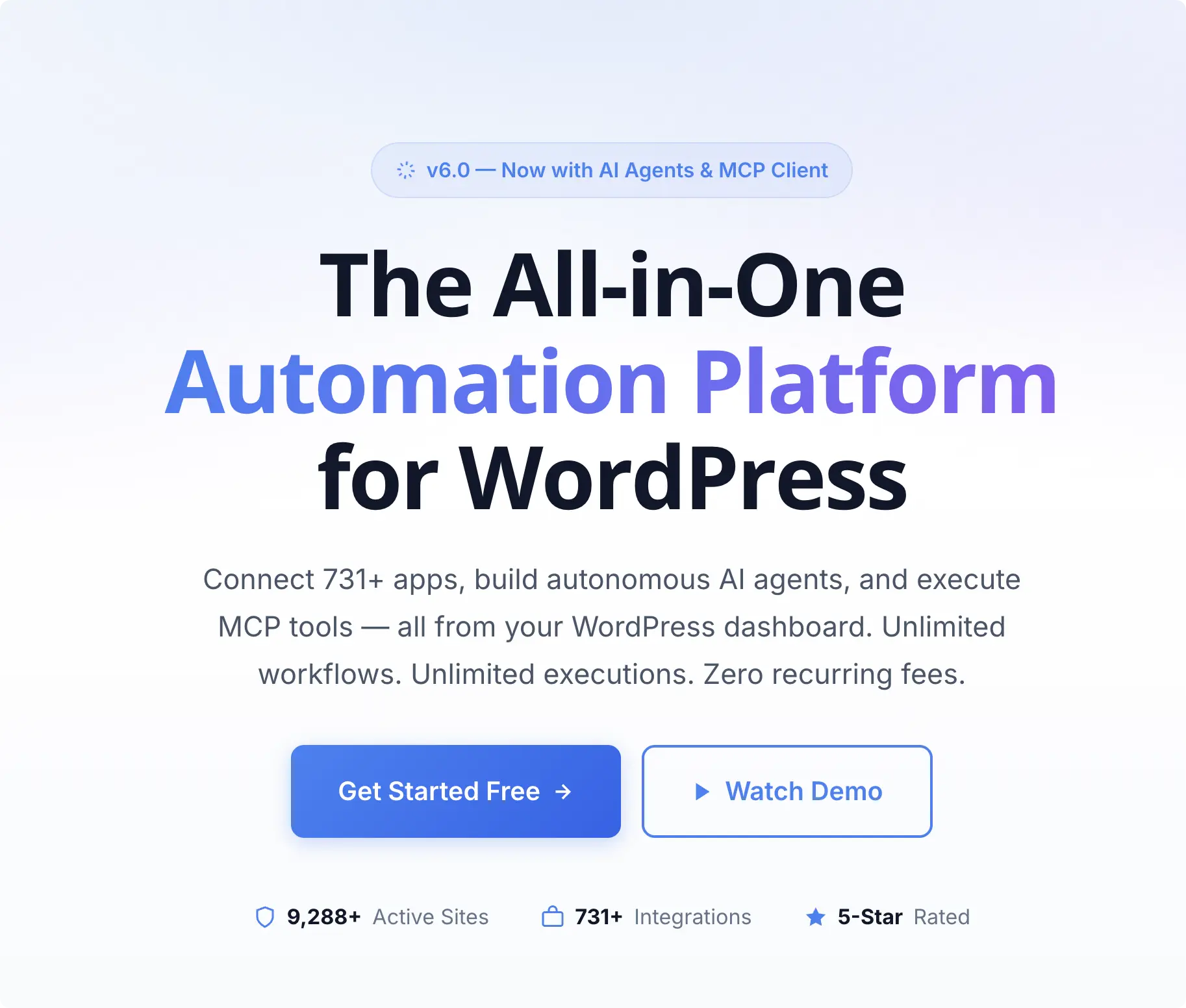
You build automations on a visual drag-and-drop canvas with 50+ built-in modules such as branching logic, formatters, and even custom actions. The headline promise, however, is unlimited workflows and unlimited executions on every plan—no task meter anywhere.
That pricing model does, however, come with some trade-offs.
FlowMattic is, arguably, one of the most technically demanding tools on this list. FlowMattic’s AI agents are flexible, but you’ll need an existing subscription to an LLM like Claude or Gemini and some familiarity with MCP servers and clients.
If you know what those words mean and got a little excited, FlowMattic is probably already on your shortlist.
There is also no free version of FlowMattic, but they will give you access to a demo site for about 14 days.
FlowMattic Pricing
- Personal: $129/year (1 site)
- Developer: $189/year (5 sites)
- Business: $349/year (25 sites)
- Ultimate: $449/year (100 sites)
All prices are listed in USD as of July 17, 2026. FlowMattic has no free tier (a demo site is available instead), and lifetime plans are also offered—check their site for current figures.
See the latest prices for FlowMattic >>>
FlowMattic Pros
- Unlimited executions on every plan; total data ownership on your own server
- MCP server and client, plus AI agents with 10 bring-your-own-API-key providers
- Custom PHP functions for genuinely bespoke automations
- Per-site cost drops sharply at scale
FlowMattic Cons
- No free version to try on your own site
- Some technical expertise required
Who is FlowMattic best for?
FlowMattic is best for developers and technically confident site owners who want self-hosted automation with no usage limits and minimal support.
4. AutomatorWP: Best Lightweight Plugin-to-Plugin Automation
AutomatorWP is the closest philosophical cousin to Uncanny Automator on this list: a free, WordPress-native, no-code builder that connects your plugins using triggers and actions.
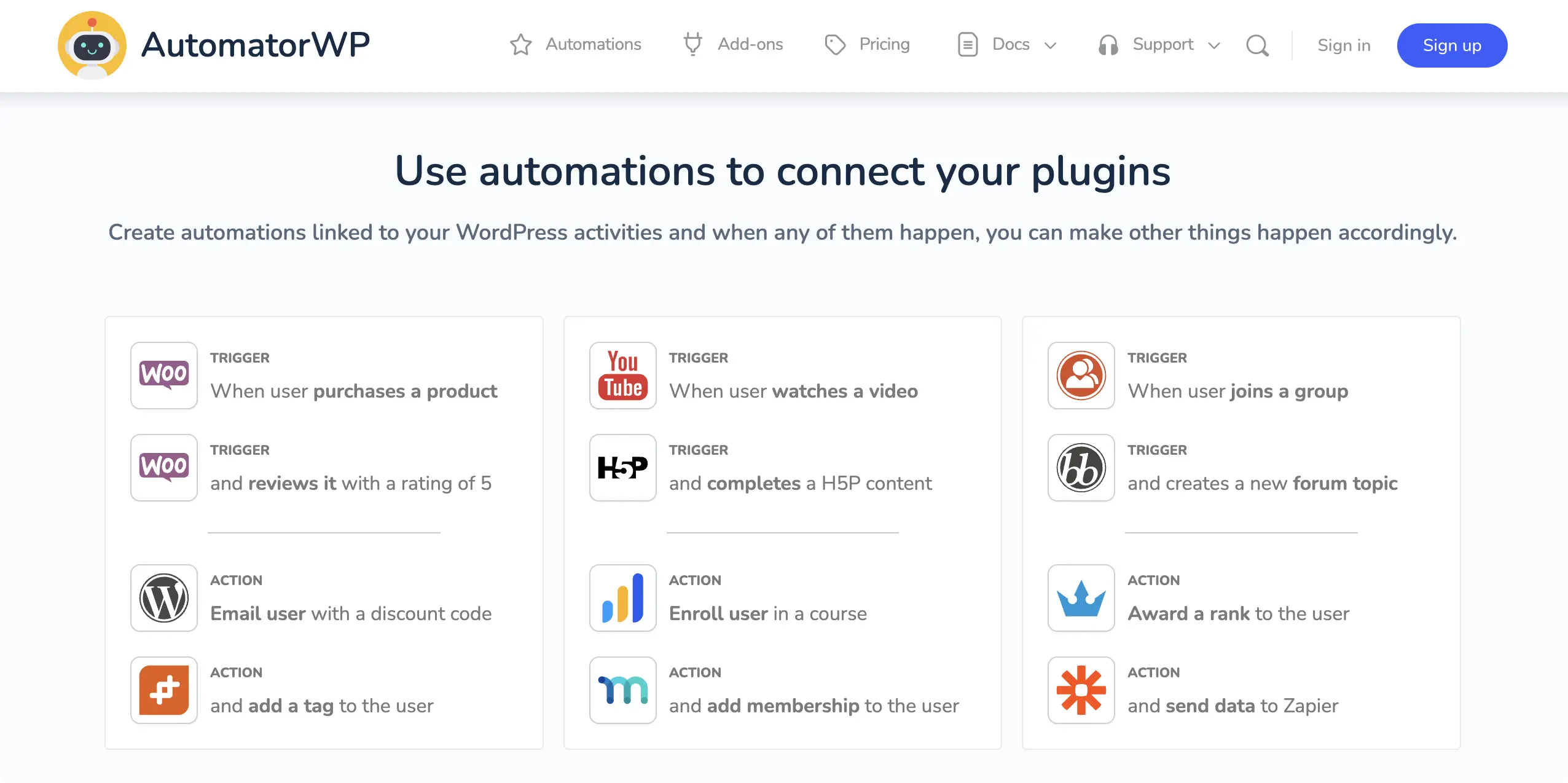
AutomatorWP comes from the team behind GamiPress, and that DNA shows. If your site runs points, badges, levels, or community features, AutomatorWP speaks that language fluently.
The free base plugin is genuinely usable, with multi-trigger, multi-action automations included. It claims 200+ integrations, with some packaged as separate add-ons you install as needed.
There is a catch, however.
AutomatorWP’s user-interface (UI) is the least polished on this list—and that has some practical implications beyond, “It doesn’t look nice.” If you’re new to WordPress or to building workflow automations, AutomatorWP’s UI doesn’t do much to help you get started and it’s easy to misconfigure automations.
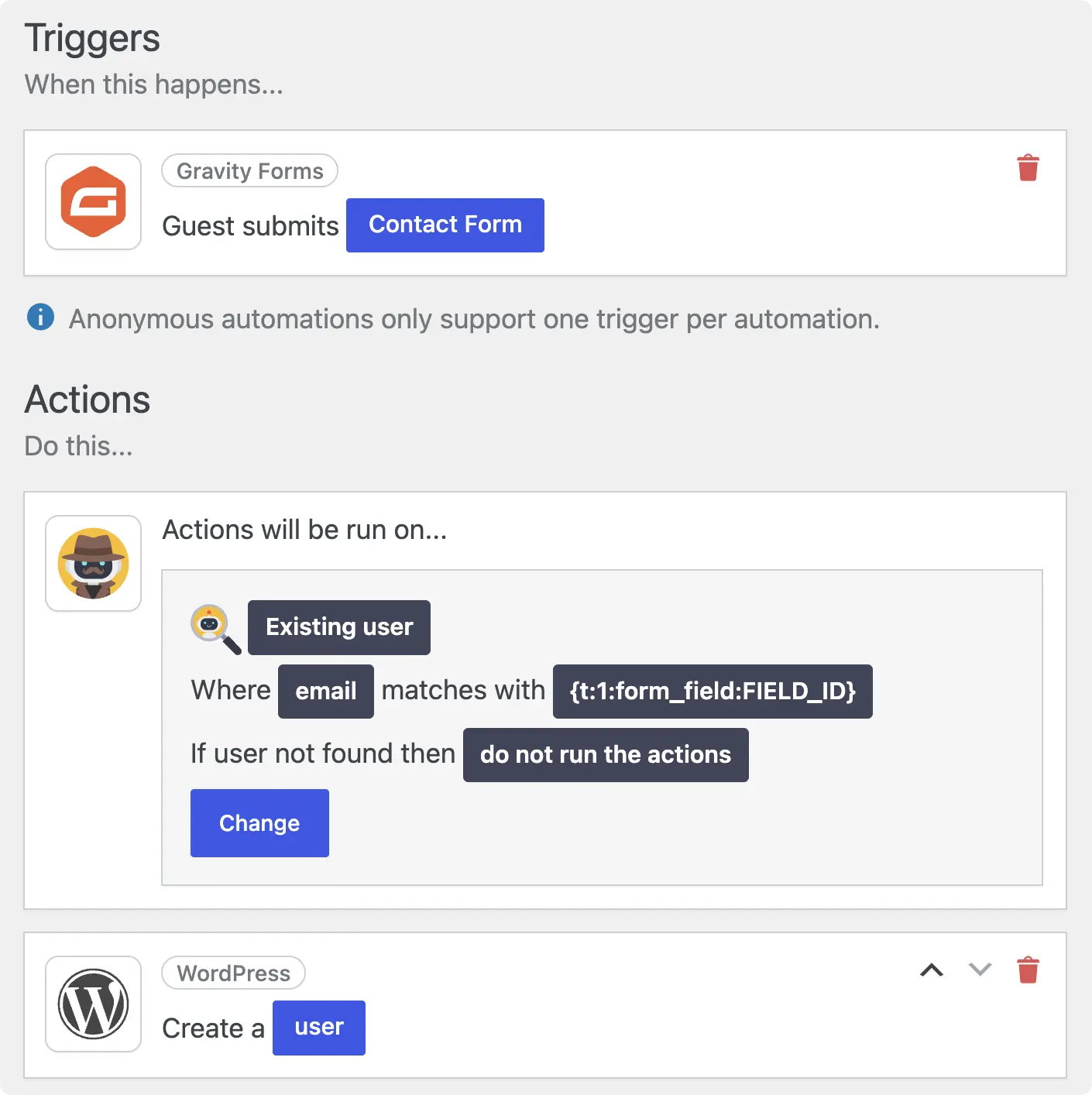
Additionally, most of the genuinely powerful triggers and actions sit behind the premium tier, especially if you are trying to automate your WooCommerce store.
AI support exists but is thin—a handful of “generate text” and “generate image” actions for OpenAI, Claude, Gemini, and Mistral, with no AI assistant and no autonomous agents.
AutomatorWP Pricing
- Free: $0 (base plugin, unlimited sites)
- Personal: $149/year (2 sites)
- Professional: $249/year (10 sites)
- All Access: $499/year (unlimited sites)
All prices are listed in USD as of July 17, 2026. Pricing reflects 1-year access passes; multi-year passes are also available at a discount.
See the latest prices for AutomatorWP >>>
AutomatorWP Pros
- Capable free version with a real automation builder
- Strong gamification and community integrations from the GamiPress team
- Lower entry price than most paid competitors
AutomatorWP Cons
- Most depth is gated behind the premium add-on
- AI is limited to one-shot content actions — no assistant, no agents
- The 200+ integration claim outpaces the roughly 146 actually listed across triggers and actions
Who is AutomatorWP best for?
AutomatorWP is best for budget-conscious site owners wiring WordPress plugins together for lightweight automations—especially gamification, community, and membership sites.
5. WP Fusion: Best for Deep CRM Sync
Let me be upfront about why WP Fusion is on a list of automation tools when it isn’t really an automation builder: people searching for WordPress automation find it constantly, and for one specific job it’s tough to beat.
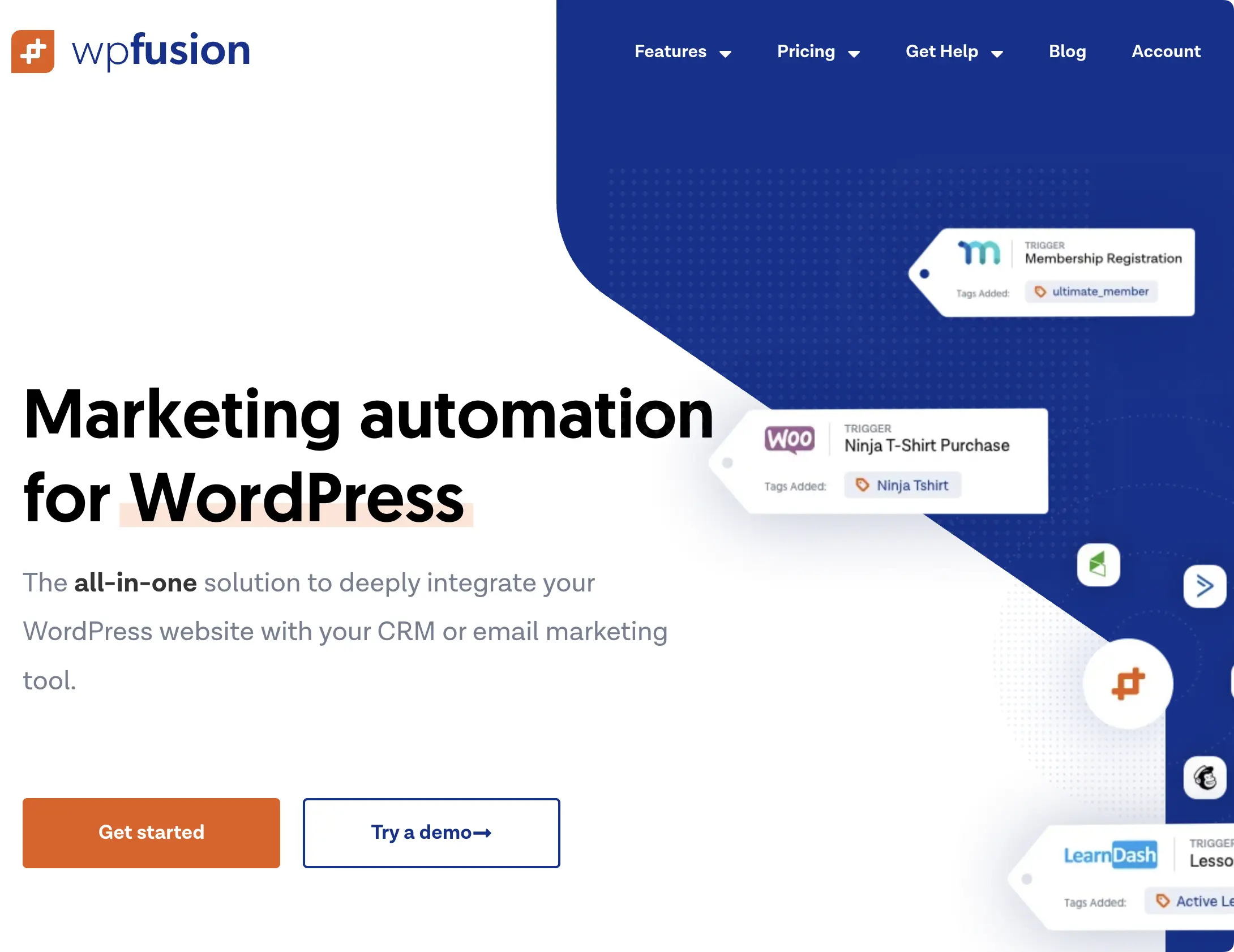
If all you want to do is connect WordPress to your CRM—deeply, bidirectionally, and across more than 60 platforms—WP Fusion has what you’re looking for.
WP Fusion syncs your WordPress users with CRM contact records, applies CRM tags based on what people do on your site (purchases, course progress, logins), and—its signature trick—controls access to content based on those tags. The actual marketing automation (emails, sequences, scoring) still happens in your CRM; WP Fusion is just the glue. But it is excellent glue.
What WP Fusion isn’t, however, is an all-purpose automation tool. There are no AI features, and without a CRM attached it doesn’t do much of anything. Moreover, WP Fusion comes in on the higher end of single-site licenses.
So if you need automation beyond marketing, WP Fusion will start to feel thin and costly very quickly.
WP Fusion Pricing
- Lite: $0 (core CRM sync, on WordPress.org)
- Personal: $297/year (1 site)
- Plus: $427/year (1 site + all 6 Pro addons)
- Professional: $647/year (unlimited sites)
- Lifetime: $999 (one-time)
All prices are listed in USD as of July 17, 2026.
See the latest prices for WP Fusion >>>
WP Fusion Pros
- The deepest CRM sync available for WordPress, across 60+ platforms
- Tag-based content access can replace a membership plugin entirely
- Genuinely useful free Lite version
WP Fusion Cons
- Requires an external CRM to be useful at all
- No general-purpose automation building and no AI
- Highest entry price on this list
Who is WP Fusion best for?
WP Fusion is best for digital marketers running membership, course, or ecommerce sites on a serious CRM. Think of it as a complement to an automation tool rather than a replacement for one—plenty of sites run WP Fusion alongside Automator, each doing what it does best.
6. Make: Best Visual Builder for Complex Cloud Workflows
Make is the visual thinker’s cloud platform. Where Zapier hands you a list of steps, Make hands you a canvas.
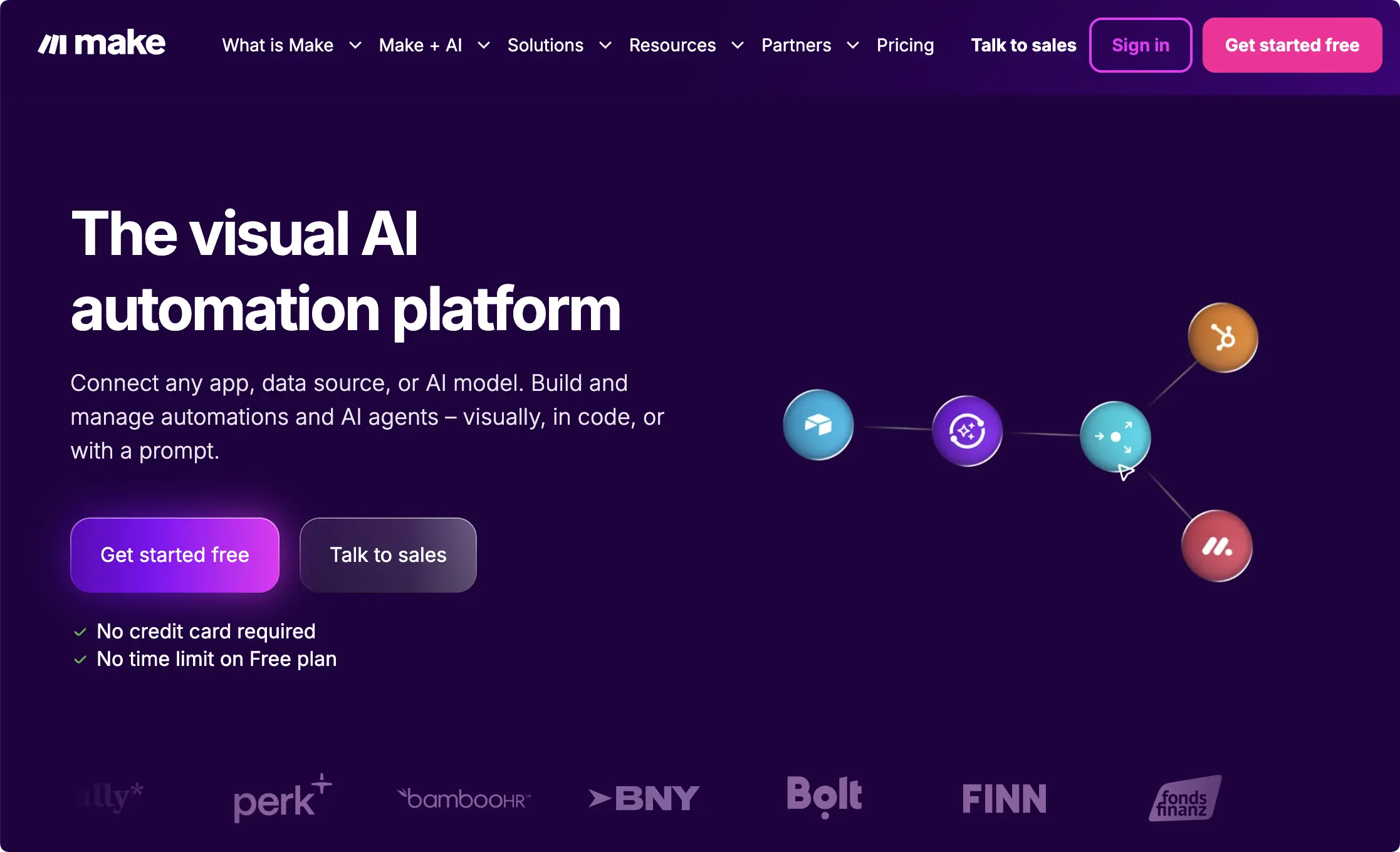
Make calls its automated workflows “scenarios” (triggers and actions are “modules”) and stresses the visual nature of its interface. While just about every tool on this list has a user-friendly interface, Make’s is arguably the most polished for visualizing complex automated workflows. For genuinely complex, multi-app logic, Make’s interface is a pleasure.
With 3,000+ integrations, Make doesn’t quite come close to Zapier’s 9,000+ but it still covers more than what even the broadest stacks will require. Its WordPress integration is notably deeper than Zapier’s, with around 39 modules covering posts, users, media, and taxonomies.
Along with Automator and Zapier, Make’s AI capabilities are at the top of this list. While Make’s AI agents lack the access to WordPress that Uncanny Agent offers and the variety of AI features that Zapier offers, access to Make’s agentic AI features is included in the free plan. That said, they will require a subscription to your preferred LLM, whereas Uncanny Agent truly consolidates AI and automation.
All of the Make’s sleek visuals and generous free plan, however, come at a cost. Make bills per credit, and one credit equals one module operation. So, a scenario that touches six apps burns six credits every single run. Multi-step scenarios are exactly what Make is best at, which means the meter runs hardest precisely when you’re using the product as intended.
Make Pricing
- Free: $0/month (1,000 credits/month, 2 active scenarios)
- Core: $9/month (10,000 credits/month)
- Pro: $16/month (10,000 credits/month)
- Teams: $29/month
- Enterprise: Custom pricing
All prices are listed in USD as of July 17, 2026 and reflect annual billing and 10,000 credits/month.
See the latest prices for Make >>>
Make Pros
- Cheapest paid entry among the cloud platforms
- Visual canvas handles complex branching workflows beautifully
- Deeper WordPress module set than Zapier
Make Cons
- Credit-per-operation pricing makes complex workflows expensive at volume
- Still REST-API-level WordPress access — no plugin-event depth
- Cloud architecture: your data is processed on Make’s infrastructure
Who is Make best for?
Make is best for visual builders who want sophisticated multi-app cloud workflows on a budget and don’t need deep WordPress plugin events.
7. n8n: Best for Technical Users Who Want Full Control
n8n is the developer crowd’s favorite Zapier alternative—a workflow automation platform you can run in n8n’s cloud or host yourself. Every plan includes unlimited workflows (creations) and every integration; you’re only metered on storage and workflow executions.
The visual canvas handles multi-step branching, custom code nodes and some of the deepest AI workflow tooling in this roundup—multi-agent setups, RAG systems, and MCP support included.
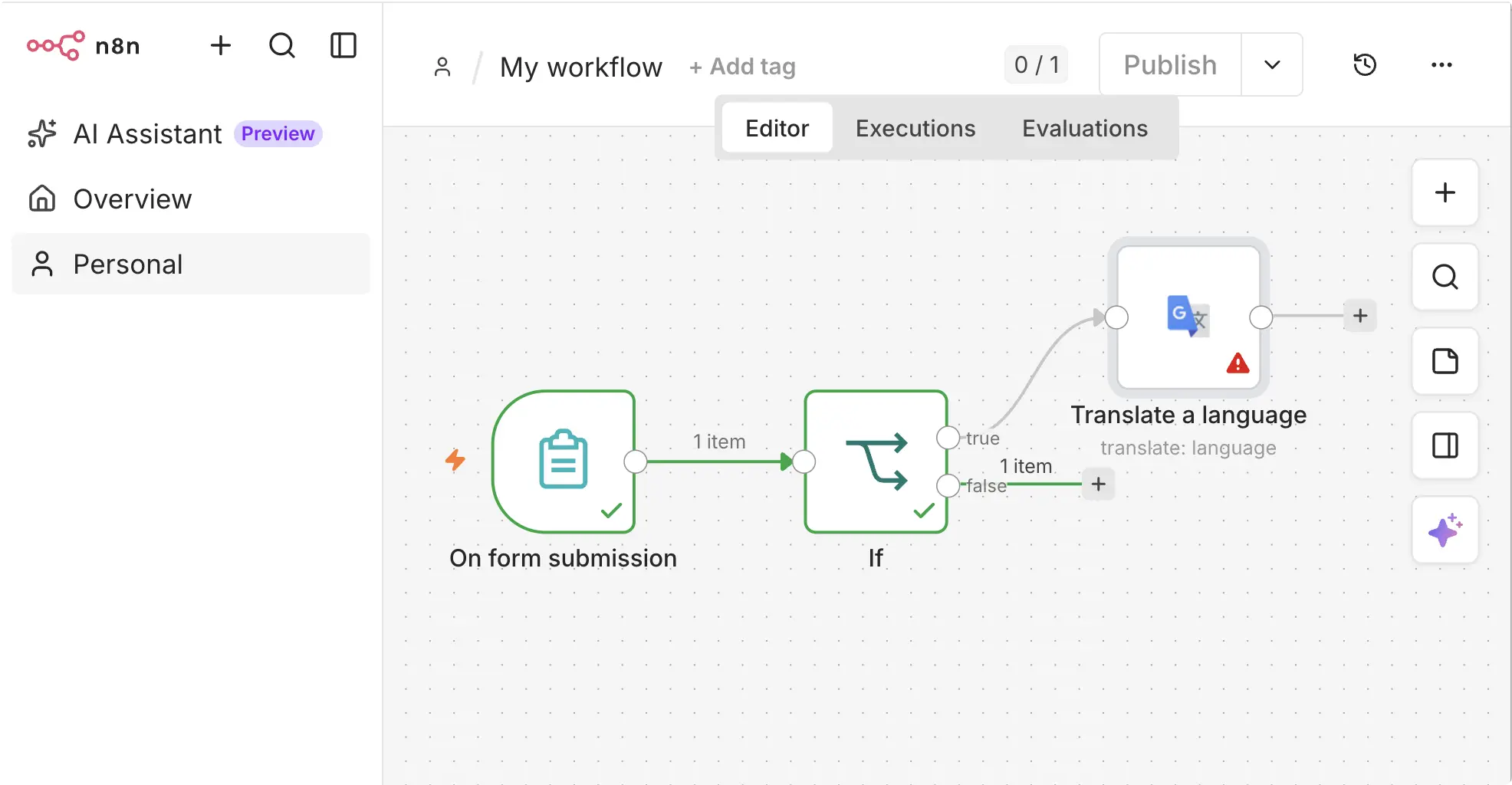
The trade-off is technical comfort: n8n is far friendlier to people who think in APIs and JSON than to no-coders. And like Zapier, it has no WordPress-native depth—it sees your site from the outside.
n8n Pricing
- Trial: 14-day free trial with access to all features
- Starter: 20€/mo (billed annually) for 2,500 workflow executions
- Pro: 50€/mo (billed annually) for 10,000 workflow executions
- Business: 667€/mo (billed annually) for 40,000 executions, self-hosted
n8n publishes its prices in EUR (current as of July 17, 2026). An execution is a single run of an entire workflow, no matter how many steps it contains—a notable contrast with Zapier’s per-task metering.
See the latest prices for n8n >>>
n8n Pros
- Execution-based pricing: a 50-step workflow costs the same as a 2-step one
- Free, self-hostable Community Edition with no execution limits
- The deepest AI tooling of the cloud options: multi-agent workflows, RAG and MCP support
- Unlimited workflows and every integration on every plan
n8n Cons
- The steepest learning curve on this list—built for technical users
- Roughly 500 pre-built integrations (plus custom API connections)—a fraction of Zapier’s directory
- Fair-code license rather than classic open source, if that distinction matters to you
- No WordPress-native triggers or actions
Who is n8n best for?
n8n is best for developers and technical teams who want Zapier-level flexibility without Zapier-level bills—and who’d rather self-host than hand another cloud their data. If you run a WordPress site and have never touched an API, you’ll be happier with Uncanny Automator or another native plugin from this list as your Zapier alternative.
8. Pabbly Connect: Best Value-per-Task Cloud Automation
Pabbly Connect is the value pick among cloud Zapier alternatives. It’s a conventional cloud workflow builder—triggers, actions, routers, filters, 2,000+ integrations—but with the most generous task metering in this roundup amongst cloud-based solutions. Triggers and internal steps (filters, formatters, routers and the like) don’t count against your quota. Only actions that touch an external app consume tasks.
That’s a bigger deal than it sounds. On Zapier, a five-step workflow burns through your allowance five times faster than a simple one. On Pabbly, that same workflow might consume just one or two tasks per run, so complex automations stay cheap.
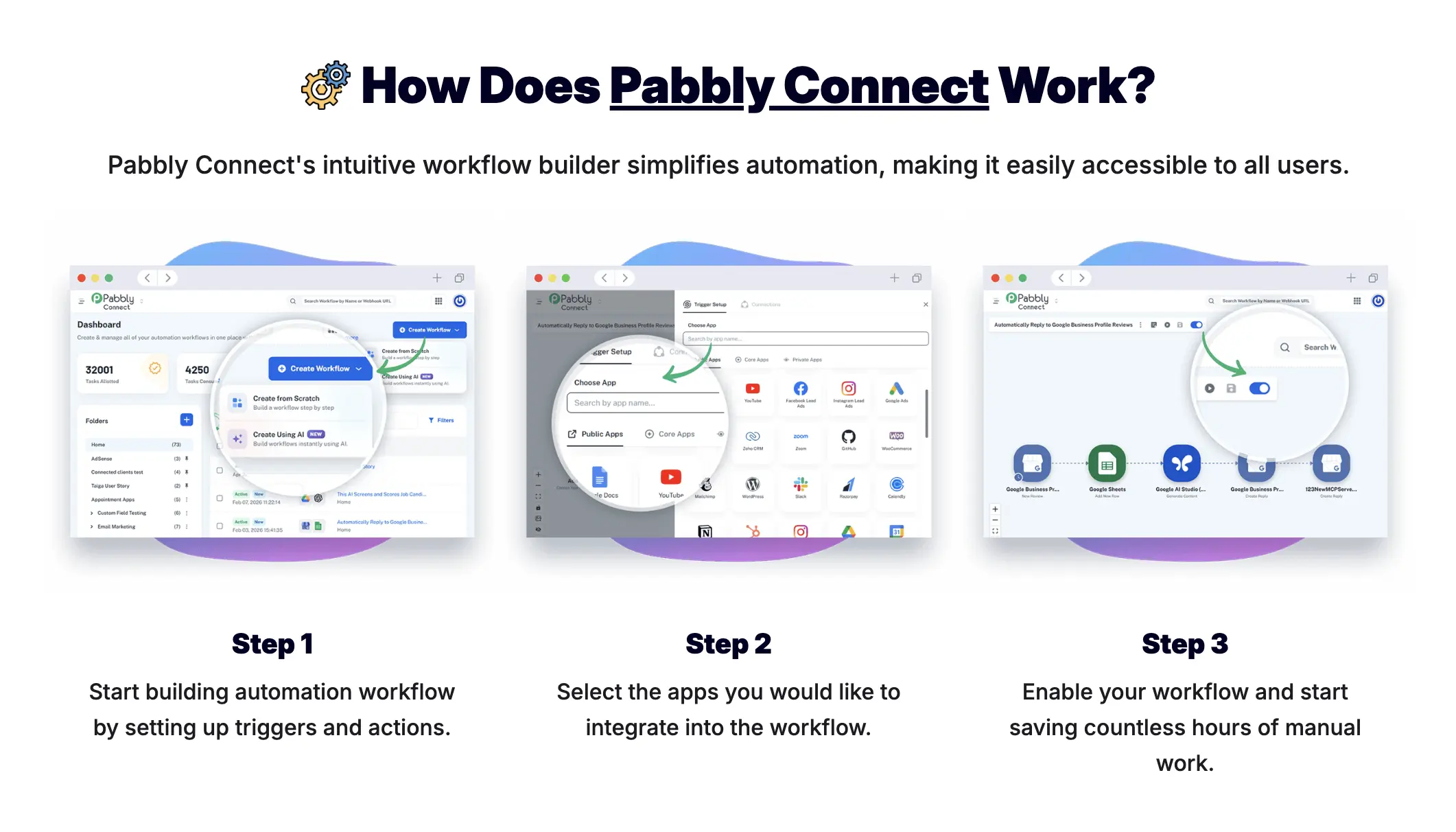
Day to day, Pabbly Connect feels a lot like Zapier: a no-code, linear builder where you pick a trigger, stack actions beneath it, and flip the workflow on—no visual canvas to learn.
The everyday tools are all built in (routers, filters, delays, schedulers, iterators and 300+ formatter functions, none of which consume tasks), and there are some surprisingly grown-up touches for the price: JavaScript and Python code steps, human-in-the-loop approval checkpoints, and automatic re-execution of failed steps.
Pabbly also publishes thousands of step-by-step video tutorials, so even obscure app combinations usually have a walkthrough to follow.
Pabbly Connect Pricing
- Free: 100 tasks/mo
- Paid subscription plans: tiered by monthly task volume, with unlimited workflows and all premium apps included
- Lifetime deals (limited-time promo): at the time of writing, Pabbly is running one-time-payment plans from $349 for 3,000 tasks/mo (2-step workflows only) up to $1,298 for 20,000 tasks/mo
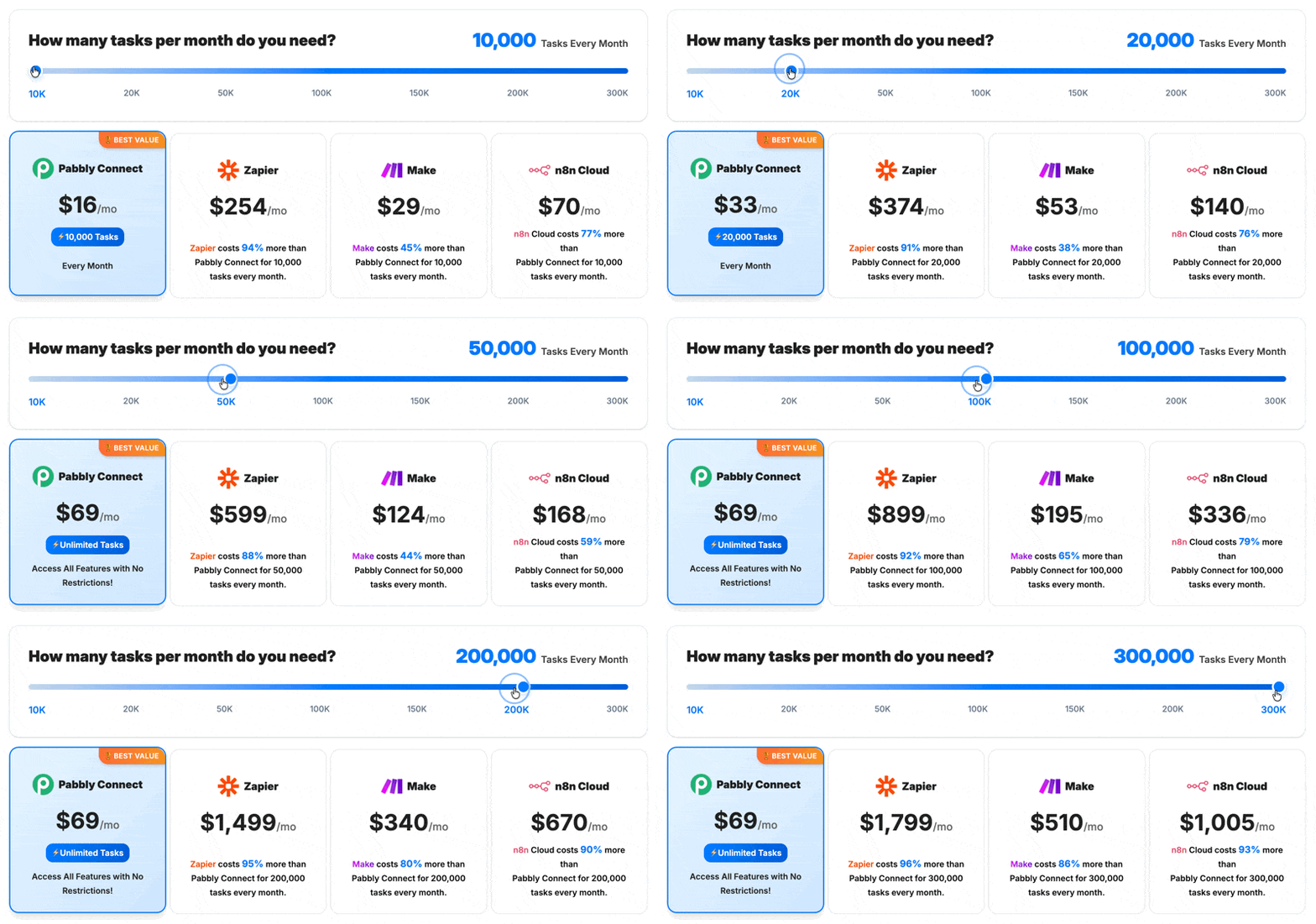
For the lifetime plans, know that you won’t be able to upgrade. The lifetime plan locks you into a specific tier, so if you plan on growing, you may want to make the initial investment upfront.
See the latest prices for Pabbly Connect >>>
Pabbly Connect Pros
- Triggers and internal steps are free; only external-app actions count as tasks
- 2,000+ integrations with unlimited workflows on paid plans
- AI Assistant and MCP server support included
- Lifetime deals (when available) can eliminate the subscription entirely
Pabbly Connect Cons
- Lifetime plans can’t be upgraded later, so you have to size your purchase correctly the first time
- The cheapest lifetime tier only allows 2-step workflows (one trigger, one action)
- Like every cloud tool here, WordPress coverage is shallow next to a native plugin
Who is Pabbly Connect best for?
Pabbly Connect is best for budget-conscious site owners running multi-step workflows, where its free internal steps make every task go further than Zapier’s metering allows. If you catch one of its lifetime deals, the math gets even better. For WordPress-centric workflows, you’ll still want a native plugin that can see inside your site.
When Is Zapier Still the Right Choice?
You knew Zapier would be here. It’s the biggest name in workflow automation, with a directory of 9,000+ apps that nothing else on this list comes close to matching.
Zapier is a cloud platform that connects apps using “Zaps” (its name for automated workflows). You build a Zap by pairing a trigger in one app with one or more actions in others, and Zapier runs it on their servers.
If your workflow is “Salesforce → Slack → HubSpot → Notion” with WordPress nowhere in the picture, Zapier is the best tool. Full stop.
The picture changes when WordPress is the picture—or, frankly, even in the picture. Zapier’s WordPress integration doesn’t surface your data as easily as a WordPress-native solution.
Further, Zapier (and most other cloud-based solutions) “poll” for new data at different intervals. That means, it’s not responding to site and plugin activity in real-time—it’s checking back in at regular intervals to see what’s new. That might not sound like a big deal, but when you start actually building automated workflows, you will need to factor in the polling intervals.
Zapier Pricing
- Free: $0/month (100 tasks/month, two-step Zaps only)
- Professional: from $19.99/month
- Team: from $69/month (25 users)
- Enterprise: custom pricing
All prices are listed in USD as of July 17, 2026 and reflect annual billing. Task overages are billed at 1.25x the base task rate, and AI Agents and Chatbots are paid add-ons.
See the latest prices for Zapier >>>
Zapier Pros
- Unmatched app breadth—9,000+ integrations
- Polished, intuitive, and sleek interface
Zapier Cons
- Per-task pricing punishes growth, and 100 free tasks evaporate fast
- Shallow WordPress coverage with 15-minute polling on the free plan
- AI Agents and Chatbots cost extra on top of your plan
- Your site’s data routes through Zapier’s cloud
Who is Zapier best for?
Zapier is best for teams whose automations span a wide SaaS stack where WordPress is a minor player, or anyone who needs that one obscure app only Zapier connects.
Not sure if Uncanny Automator or Zapier is the right choice? Check out our Uncanny Automator vs Zapier head-to-head comparison >>>
Which Zapier Alternative Should You Trust to Handle Your Workflow Automations?
If you’ve read this far, you’ve probably noticed the pattern: the right tool depends almost entirely on where your work happens.
- Choose Uncanny Automator if your workflows center on your WordPress site—courses, memberships, WooCommerce, forms, content—for the deepest integrations, stable pricing, and the most capable AI assistant on the market.
- Choose Zapier or Make if your workflows mostly connect non-WordPress SaaS apps and you want easy visualization of complex workflows and can control workflows to keep costs stable.
- Choose WP Fusion if your core (or sole) need is CRM data sync, but be prepared to get another tool on this list for the rest of your non-marketing busywork.
- Choose FlowMattic if you’re a developer who wants everything self-hosted with no usage limits.
- Choose AutomatorWP if you’re on a particularly tight budget and really only need plugin-to-plugin integrations.
- Choose OttoKit if you’re an agency wanting one cloud hub across many client sites.
- Choose n8n if you want Zapier-style breadth with self-hosted control and you’re comfortable getting technical.
- Choose Pabbly Connect if you want the lowest long-term bill—its lifetime plans replace Zapier’s subscription entirely.
Keep in mind, this list isn’t always “either/or”. Automator connects to Zapier and Make through native integrations and webhooks (a way for apps to send data to each other automatically).
Plenty of sites use a native plugin for WordPress depth and a cloud platform for connecting to niche or off-site apps.
Conclusion
So now it’s a little past 9 p.m. and you’re sick and tired of copy-pasting and dreading tomorrow’s to-do list. But now, you have a list of eight Zapier alternatives that can make that to-do list disappear. You just need to select the one that’s right for your site.
For most WordPress site owners, the answer is straightforward: automation that lives inside WordPress sees more, costs less at scale, and keeps your data where you know it’s safe. On each of those fronts (and others), Uncanny Automator outshines its WordPress-native competitors.
Of course, I’m biased. But the free version means you don’t have to take my word for it.
Install Uncanny Automator Lite for free and see for yourself >>>
Or, if you want to be in bed by 10 p.m., compare plans on our pricing page and get Automator Pro.
What would you do with more time?
Frequently Asked Questions
What is the best free WordPress automation plugin?
Uncanny Automator Lite is the strongest free option for WordPress-native automation: unlimited recipes (automations), hundreds of free triggers and actions, and 250 app credits for third-party integrations. By comparison, cloud free tiers are metered—Zapier’s free plan allows 100 tasks per month with two-step Zaps only, and OttoKit’s allows 250 tasks. AutomatorWP and WP Fusion also offer useful free versions for plugin-to-plugin automation and CRM sync, respectively.
What’s the difference between a WordPress automation plugin and tools like Zapier, Make or Integrately?
In a word: architecture. A WordPress automation plugin runs on your own server, sees deep site events (course completions, membership changes, order details) and doesn’t meter your usage. Cloud tools like Zapier, Make and Integrately run workflows on their own servers, connect to WordPress through a connector or the REST API, and charge per task or operation. They’re also not mutually exclusive—many sites pair a native plugin with a cloud platform via webhooks. Our Automator vs Zapier comparison covers this in depth.
What are the benefits of using automation plugins for WordPress?
The big four: time savings (repetitive tasks run themselves), fewer errors (no missed welcome emails or forgotten enrollments), better customer experience (instant responses instead of “when I get to it”) and more site capabilities (automation tools are the engines behind high-converting eCommerce workflows like introductory discount popups, cart abandonment recovery, and more).
What is the best free Zapier alternative?
For WordPress sites, Uncanny Automator Lite is the strongest free option: unlimited recipes (automations) and hundreds of free triggers and actions, all running inside your site. If you’re technical, n8n’s self-hosted Community Edition is free with no execution limits. Pabbly Connect’s free plan includes 100 tasks per month.
What is the cheapest Zapier alternative?
It depends on your time horizon. Pabbly Connect’s lifetime deals (from $349 one-time) eliminate recurring fees entirely, and AutomatorWP is the cheapest annual plugin at $149/yr. For WordPress-heavy workflows, Uncanny Automator’s flat pricing usually works out cheapest at scale because it never charges per task.
Is n8n a good Zapier alternative?
Yes—for the right user. n8n offers execution-based pricing, some self-hosting options, and deep AI workflow tooling, but it’s built for technical users who are comfortable with APIs. If your automations center on a WordPress site, a native plugin like Uncanny Automator will surface far more site data with far less setup.
Can I use AI to automate my WordPress site?
Yes, and 2026 is the year this got real. Most tools on this list now offer some AI: workflow-step agents (OttoKit, FlowMattic, Make), AI content actions (AutomatorWP) or AI builders (Zapier’s Copilot). Uncanny Automator takes all of that and more and bundles it into Uncanny Agent, an AI assistant built into your WordPress dashboard. You can use Uncanny Agent to vibe code automations, execute tasks, surface data, and more.

Related Posts
























































Comments (0)