

Dynamic Content addon
Create content that responds to your users and your business
Static content is a thing of the past. Today’s users expect personalized experiences that adapt to their behaviors and preferences.
★★★★★ 4.9/5 on WordPress.org40,000+ active sitesAutomating WordPress since 2018
Works with

ChatGPT

Claude

Gemini

Copilot

Perplexity
and any AI app that supports remote MCP servers
With the Dynamic Content Addon for Uncanny Automator, you can:

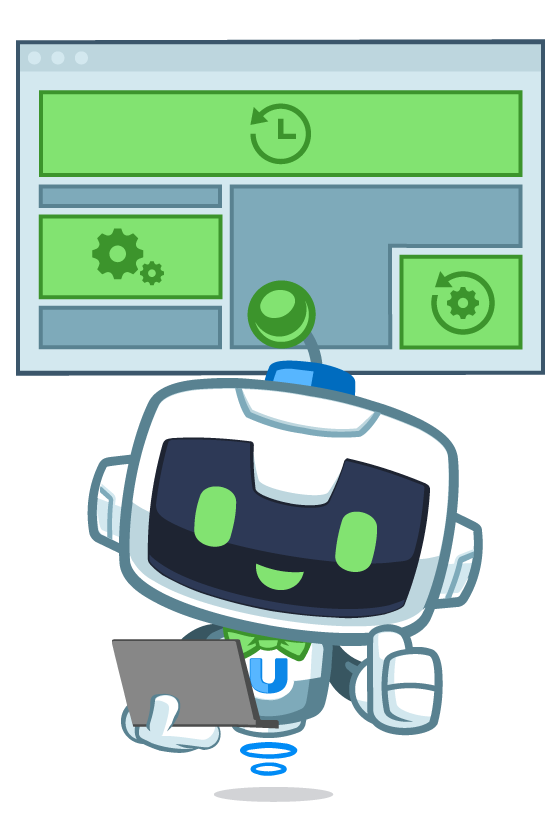
Dynamic content
Turn static pages into dynamic, personalized experiences
The Dynamic Content Addon empowers you to create content areas that update automatically based on user activity, AI responses, RSS feeds, webhooks, the choice is yours.
Display personalized content to individual users by adding dynamic content areas anywhere on your site with the included blocks / shortcodes. Define update triggers from any of Automator’s hundreds of integration points like course or quiz completions, purchases, forum participation and more. Then sit back as your recipes update content automatically.
What you get
Build responsive apps with the Uncanny Automator Dynamic Content Addon
The Dynamic Content Addon makes it easy to create apps like:
AI-Powered Response Systems
Build intelligent response systems that leverage AI to answer user queries directly on your site. Perfect for support pages, knowledge bases, and customer service areas.

Dynamic Event Notifications
Create notification areas that update automatically when important events occur: new blog posts, product launches, registrations, or any other trigger supported by Automator.

User Achievement Tracking
Show users their journey with your site through automatically updated event logs: “On April 11, 2025 you purchased the Sales course”, “On April 11, 2025 you completed lesson 5”, and more.


Personalized User Experiences
Display custom welcome messages, tailored recommendations, or personalized offers to specific users based on their profile, behavior, or purchase history.

Real-Time Content Tickers
Implement “ticker” style containers that continuously update with the latest information without requiring users to refresh the page.

Integrations
Works with everything Automator supports
The Dynamic Content Addon inherits all of Automator’s integration capabilities.
Create dynamic content that responds to triggers from:
Plans
How do I get the Dynamic Content Addon?
The Dynamic Content Addon is included free with every Uncanny Automator Elite license.
Connect your AI
Connect your AI to your dynamic content
ChatGPT, Claude, Gemini, Copilot, Perplexity or any AI app that supports remote MCP servers. Ask in plain English and it gets done.
When someone completes the Sales course, update their dashboard block with a congratulations message.
When a new post is published, update the Latest news block.
When someone buys the Pro plan, clear the Upgrade offer block for that user.

No AI subscription? Uncanny Agent is built in.
Get started
Install free. Connect your AI.
Install the free plugin, connect your AI, and ask for the first thing on your list.
Every recipe you build keeps running without the chat.