

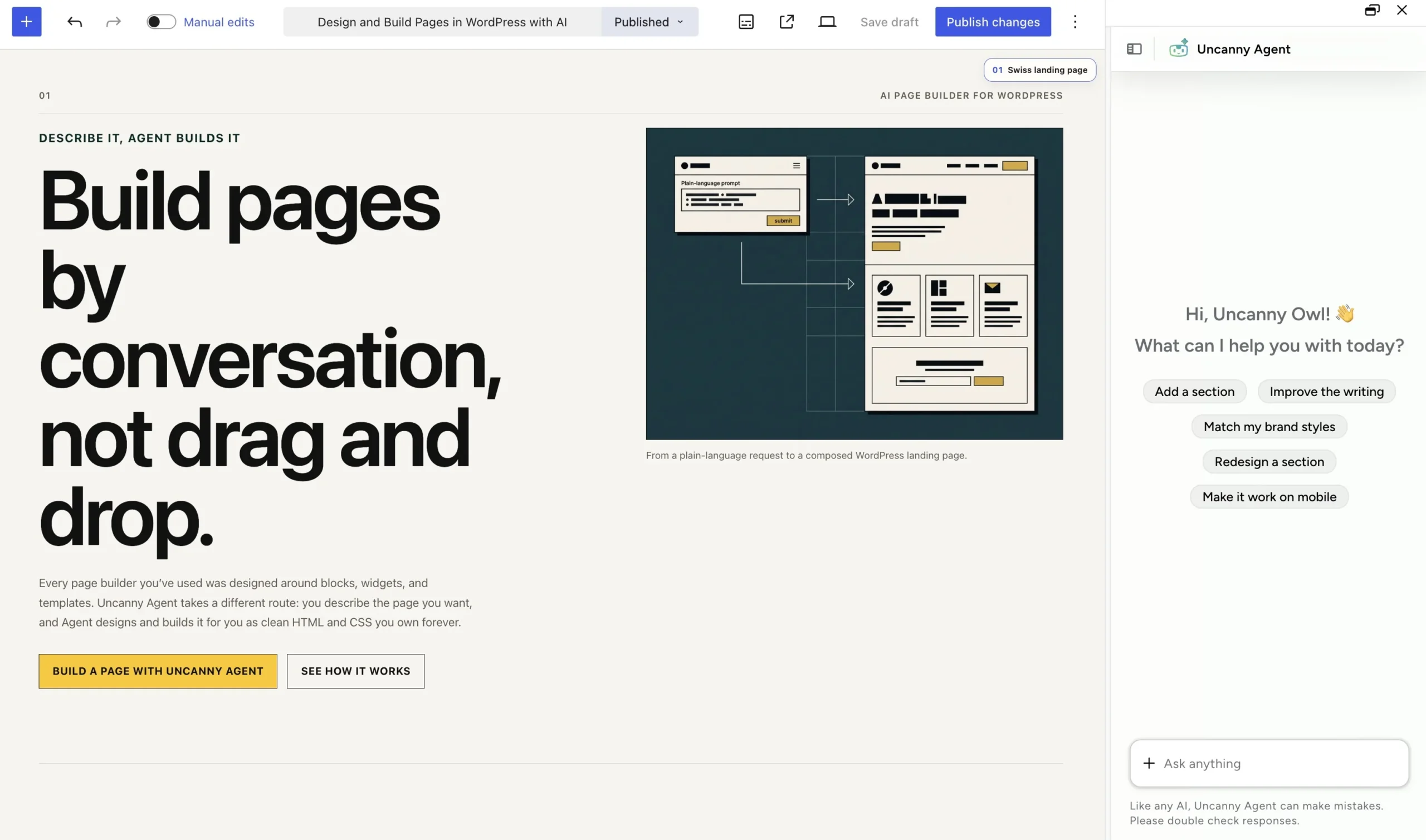
Uncanny Page Builder is an AI-first page builder for WordPress, powered by Uncanny Agent. Describe the page you want, and Agent builds it — outputting clean HTML and CSS with no lock-in. Text and images are editable in the interface, but Agent is the primary way to build, edit, and refine pages through natural conversation.
What makes Uncanny Page Builder different
Traditional page builders were designed for users assembling layouts by hand — blocks, widgets, and settings panels. Uncanny Page Builder was designed as an AI page builder from the ground up. Uncanny Agent constructs the whole page — layout, content, and styling — from your description, and you refine it the same way: “Make the hero taller.” “Add a FAQ section below the testimonials.”
A few things set it apart:
- Describe it, Uncanny Agent builds it. Your words are the interface. There are no blocks to learn or templates to customize.
- Clean HTML and CSS output. Pages are stored as standard web code, not proprietary markup. Deactivate the plugin and your content and design stay intact (live elements require Uncanny Automator to be active to render dynamic content).
- Uncanny Agent has design sense. Describe the goal and Agent makes the layout, hierarchy, and styling decisions. You can even upload a screenshot of a design you admire and Agent will build in that style, or ask Agent to critique a page like a designer would.
- Still editable by hand. For quick fixes — a typo, a headline, a photo swap — the Manual editor lets you click into text and images directly.
- You approve every change. Significant changes need your go-ahead, and every edit can be undone.
Part of Uncanny Automator
Uncanny Page Builder is one of Uncanny Automator’s three core capabilities, alongside the Recipe Builder and Uncanny Agent, and it’s included in every AI + Automation plan. Page building consumes Agent usage — see Monthly Usage vs. Anytime Usage, Explained.
Requirements
Uncanny Page Builder requires WordPress 6.0 or higher and PHP 8.1 or higher, and it works on WordPress multisite networks.
Ready to build your first page? Start with Getting started with Uncanny Page Builder.
























































Comments (0)