

OttoKit vs Uncanny Automator — which is better for WordPress automation in 2026? An honest…
What Is AI Automation? (And How You Can Use It In WordPress)
What is AI automation? A plain-English guide to AI, automation, and the new layer of AI agents — and how to build it all on WordPress.
TLDR? Get the highlights:
Uncanny Automator offers both—AI + Automation for WordPress that can execute tasks, pull data, and run and edit your automations all from prompts.
AI automation refers to the use of software that can understand information, make decisions, and complete tasks with minimal human involvement.
Terms like “AI-powered,” “AI-led,” and “AI workflow automation” mostly describe the same thing. “AI agent workflow automation” is the one that’s actually different.
AI agents add a new layer to your automations, acting alongside them, within them, or creating them.
You’ve been to more than a few vendor’s websites and they all say “AI-powered automation”. Half the SaaS industry seems to have rebranded overnight—now there’s “AI” in front of everything. If you’re trying to figure out what any of it actually means, you’re not alone.
The growth of AI has led to a lot of changes in the SaaS industry—and it’s not just marketing jargon.
AI automation refers to a broad range of technologies with a common theme: combining traditional rules-based workflow automation with large language models (LLMs).
In this post, I’ll talk about what “AI automation” and all of its variant terms actually mean. Once you see AI automations in action, everything will fall into place and you’ll be able to tell the marketing flavors apart from the genuinely new ideas.
Let’s untangle it.
AI vs. Automation: What’s the Actual Difference?
Before we get into AI automation, let’s first figure out what these terms mean on their own. They’re similar—but not the same.
- Automation is the brawn (the muscle). Automation, whether in manufacturing or marketing or sales, refers to the use of technology in workflows to execute tasks without human intervention.
- AI is the brain (the intelligence). AI, on the other hand, refers to the use of technology to analyze information, recognize patterns, and make predictions or decisions.
Think of it like this: AI is the layer of technology that drafts a welcome email for every new user and automation is the layer of technology that sends it.
Ultimately, you want both—and that’s what AI automation delivers.
In case you still had some questions about AI vs. automation, we go deeper on the distinction in our full guide: Automation vs. AI: What’s the difference?
What Is AI Automation?
Much like with “automation” and “AI”, AI automation refers to the use of technology. Specifically, technology that can understand information, make informed decisions with that information, and complete tasks with minimal human involvement.
So, what does that look like in practice? It helps to separate the two layers by function or capability:
- AI is probabilistic and flexible. Models like ChatGPT, Claude, Gemini, and Grok can write, read, summarize, classify, translate, generate images, or hold a conversation. It is probabilistic and flexible.
- Automation is rules-based and deterministic. It is the engine that watches for an event (a form submission, a purchase, a new user) and runs a sequence of actions in response.
So, here’s what AI automation looks like in practice:
- AI you talk to directly: You open ChatGPT and ask it to write a product description, draft an email, or summarize a report. The AI does real work on command. This is the version of AI most people have used, and it’s where the broader market sits today.
- AI inside a workflow: AI runs as one step inside an otherwise rules-based automation. A product review comes in → AI reads it and writes a response → automation posts the response. This is where teams on the cutting edge of automation have been—using AI as a smart node inside an existing automated workflow.
- AI that completes tasks for you. You describe what you want in plain English and the AI translates it into real work output. That can even mean building an automated workflow. It can also mean executing the task directly—creating a new user, tagging someone in your CRM, drafting a blog post—without stopping to build a recipe at all. This is where AI automation is going.
Most of the vocabulary you’ll see online still describes AI inside a workflow. The real productivity gains of AI, however, are increasingly in AI that completes tasks for you—i.e., agentic AI.
Decoding the Buzzwords: AI-Powered, AI Workflow, AI Agent…
Now that we’ve covered what is meant by “AI automation”, you’re probably thinking that it wasn’t that complicated after all. So, what’s with all of the buzzwords—”AI-powered”, “AI workflows”, etc.
These terms get thrown around as if they’re four different products. Mostly, they aren’t, however there are some subtle differences that will help you select the right tool when you’re in the market for one:
- “AI-powered”, “AI-led”, “AI Workflow”: Emphasis on the workflow. AI is one or more steps inside a multi-step automation. This is what most teams build day-to-day, but it’s not what gets the most out of AI.
- “AI agent”, “Agentic AI”: Emphasis on the AI. Workflows that involve a conversational AI assistant that can complete multi-step tasks, choose actions, use tools, and build or trigger automations on its own. Less “AI fills in a step in an automation” and more “AI does the work, and the automation is one of the tools it pulls off the shelf.”
Bottom line: if a vendor says “AI-powered”, “AI-led”, or “AI workflow automation”, they almost certainly mean “our automation product has AI features inside it.” AI agent workflow automation represents a real shift—a new layer of AI that sits above or next to your workflows rather than inside them.
AI Agents: The New Layer to Your Automations
An AI agent is an AI system that can take a goal you give it, choose actions, use tools, and complete tasks across multiple steps to reach that goal. It’s the difference between asking an AI model like Claude to write a blog post and telling it, “Handle my content tasks for today”.
To give you a clearer picture, here are three things that an AI agent can do that “AI inside a workflow” can’t:
- Take actions on your site on command. You say something like, “Create a new user with this email address…” or, “Tag everyone who bought Course A as a returning customer.” The agent carries out those tasks directly—no automation required.
- Pull and analyze real-time data. Get deep business insights from the latest data without sorting through menus or filters. Ask for patterns in customer buying habits or, if you have an SEO tool, ask for your most popular posts and pages.
- Build automations for you. Describe the workflow you want in plain English; the agent builds the automation. Non-technical users get a working automation without having to learn the builder.
What AI Automation Looks Like in Practice (5 Examples)
Enough definitions. Here are some examples of what AI automation actually does for a WordPress site or business:
- Lead qualification (AI in a workflow): form submission → AI reads the message → high-intent leads route to sales, others enroll in a nurture sequence.
- Sales summaries (AI agent): ask an AI agent for yesterday’s sales summary and get a written digest with analysis and insights.
- Content refresh (AI in a workflow): scheduled trigger → AI rewrites the intro of an old blog post for SEO → post updates automatically.
- Site maintenance (AI agent): ask an AI agent to update your site’s plugins and send you a summary of what’s new and what’s changed.
- Automation-building help (AI agent): describe a workflow you want to optimize or an automation you want to build and the AI agent builds it with you.
If any of that sounds useful to you, the next question you’re probably asking yourself is what tools provide that kind of AI and automation power for WordPress.
That’s where Uncanny Automator comes in.
How to Get Started with AI Automation on WordPress
You don’t need a developer or three separate AI subscriptions to start benefitting from AI automation. For WordPress sites, Uncanny Automator provides AI + Automation—an AI agent working alongside WordPress’ most powerful automation engine.
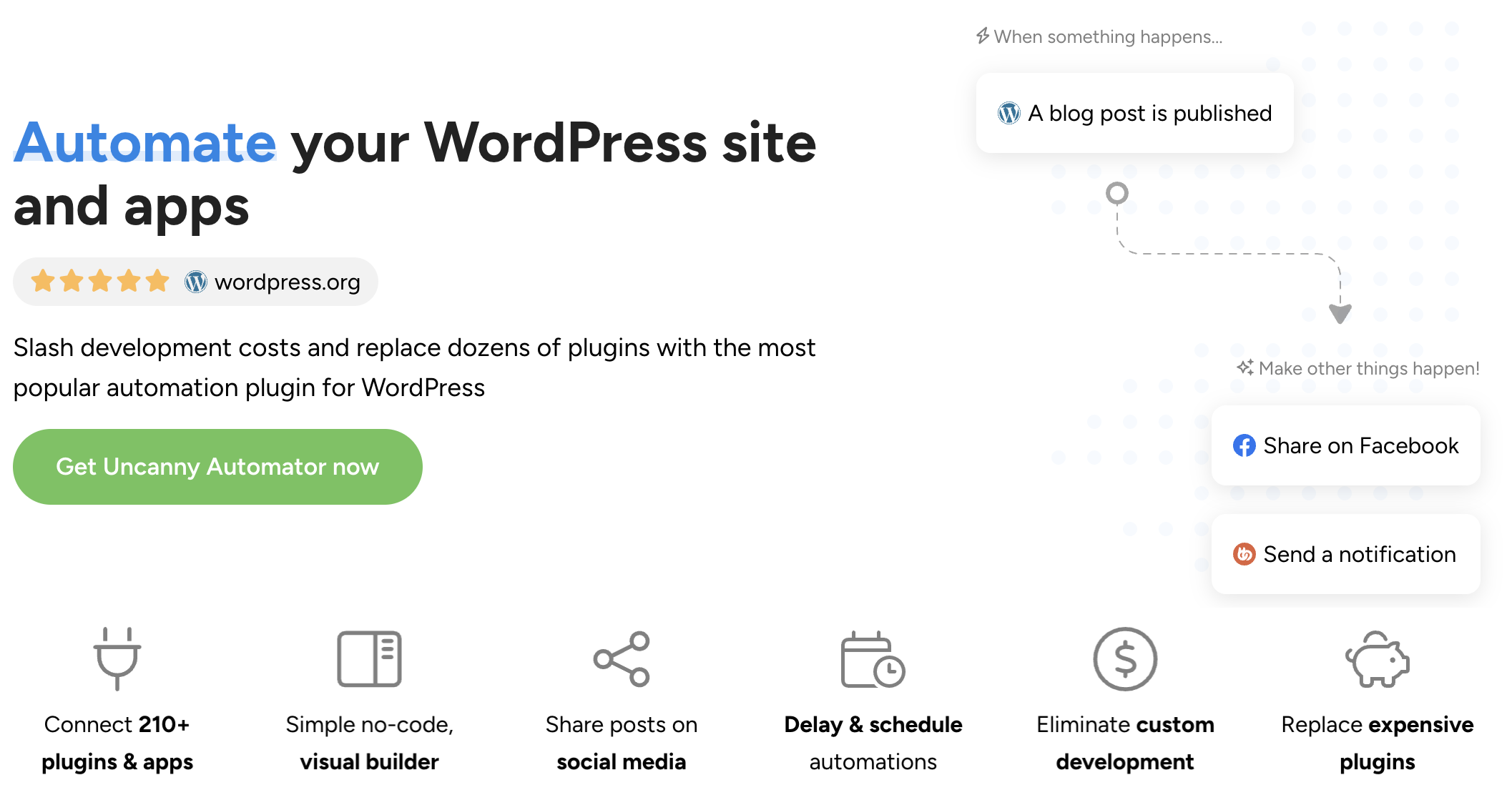
Uncanny Automator has been the leading WordPress automation and integration tool. It’s cheaper than Zapier, more integrated with your WordPress site, and supports all of the most popular WordPress and external apps, from WPForms to Bluesky.
Automator now also delivers first-in-class AI for WordPress. Combining the two, this is how Automator delivers AI automation to its users:
- Recipe Builder: No-code automations across 246+ integrations.
- Uncanny Agent: A chat-to-build AI assistant that takes actions on command, builds recipes for you, and completes tasks alongside your automations. (Learn more about Uncanny Agent >>>).
You can start leveraging the productivity-boosting power of AI automation in your WordPress business with Uncanny Automator. Get an Automator Pro license >>>.
If you’re still exploring what AI and automation can actually do for you (for free), install and activate Uncanny Automator Lite >>>.
AI promises to help the solopreneurs, small businesses, and busy teams that use it to find hours in time-savings and new possibilities opening up before them.
What will you do with more time?
Frequently Asked Questions
Is AI automation the same as AI?
No. AI is a capability—writing, classifying, generating, reasoning. AI automation is what happens when you combine that capability with automated workflows, whether AI is doing work inside a workflow, building one for you, or running tasks on command as an AI agent.
Do I need to learn to code to build AI automations?
Not on WordPress. Automator lets you build AI-powered recipes by picking triggers and actions from dropdowns — no code required. And with Agent, you can describe the automation you want in plain English and let the AI assistant draft the recipe for you.
Can I use AI automation with the WordPress plugins I already have?
Yes. Automator integrates with 220+ apps and plugins — including WooCommerce, LearnDash, Gravity Forms, Mailchimp, and HubSpot. The AI piece slots into recipes built with those existing tools; you don’t have to replace anything.
What’s the difference between AI automation and tools like Zapier?
Zapier is a strong general-purpose automation tool that has added AI features over time. Automator is WordPress-native — it runs inside your site, integrates deeply with WordPress plugins, and includes an AI assistant (Uncanny Agent) built in. For WordPress-centric workflows, that means deeper integrations and lower cost.

Related Posts























































Comments (0)