

AI that builds pages is only useful if the pages look like your pages. Uncanny Page Builder lets you define your brand once — logo, colors, fonts, and styles — so every page starts on brand automatically, no matter who (or what) builds it.
Define your brand once
Set site-wide brand settings for:
- Logo
- Color palette
- Fonts — Google Fonts are supported, and you can upload your own brand fonts
- Text styles, spacing, and button styles
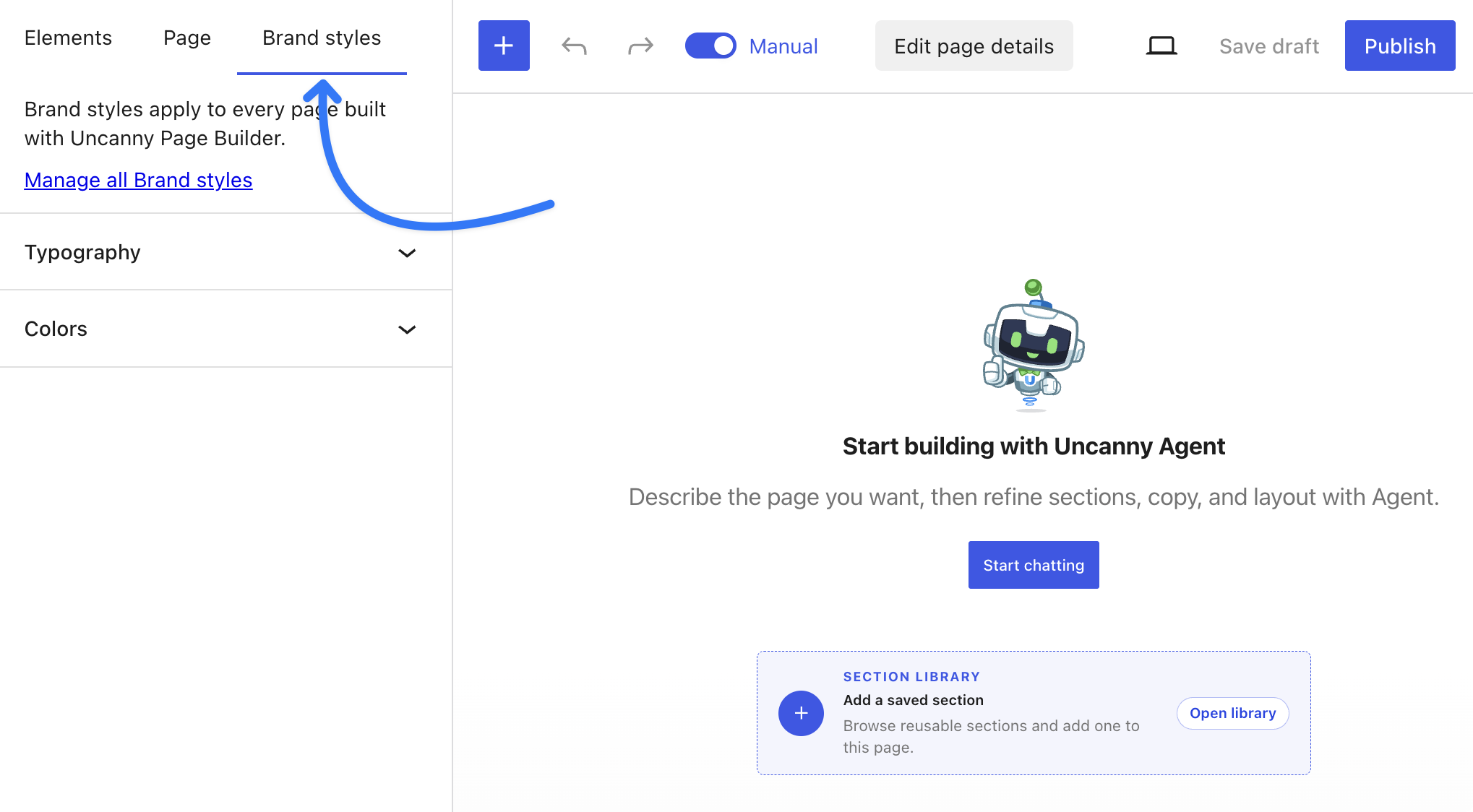
Every new page follows these settings automatically. In the Manual editor, the Brand styles tab gives you direct access while you work; you can also manage shared settings from Page Builder > Settings in your WordPress dashboard.
Lock the choices that matter
Brand-critical choices — your colors, your fonts — can be locked. Locked values cannot be overridden on any page, by anyone. Not a teammate, and not even Uncanny Agent. Where values aren’t locked, individual pages can still make per-page style overrides.
On-brand by default, not by vigilance.
Give Uncanny Agent standing design direction
Beyond the visual settings, you can teach Uncanny Agent your style preferences once — for example:
“Clean and minimal, generous white space, friendly tone.”
Uncanny Agent applies that standing direction to every page you build from then on, so you don’t have to repeat yourself in every conversation.
Related: Building pages with Uncanny Agent and Tips for getting better results from Uncanny Page Builder.
























































Comments (0)