

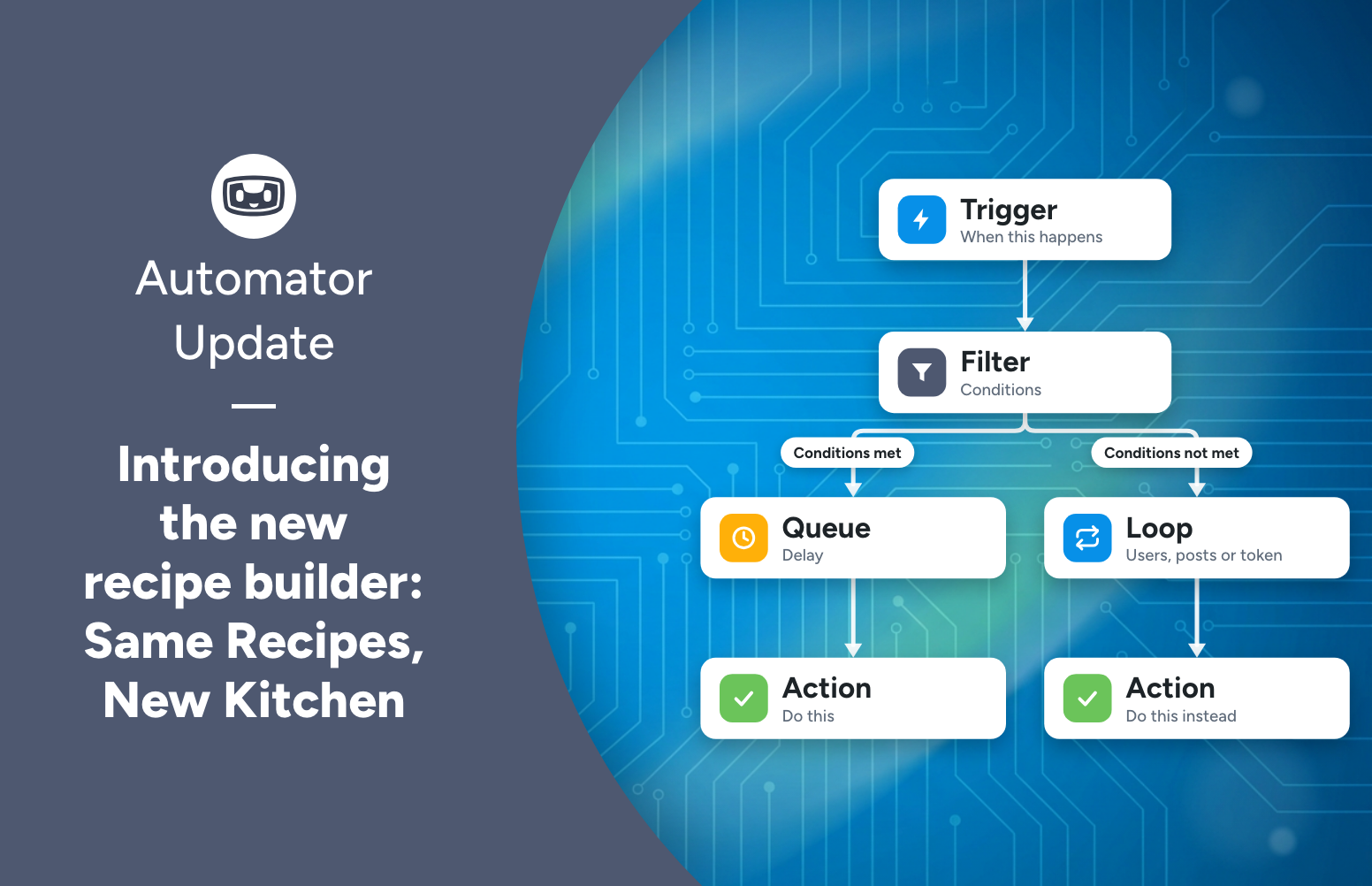
Uncanny Automator 8.0 has a brand new recipe builder: a flowchart view, real branching, blocks for conditions, delays and loops, autosave and testing. Same recipes.
Connect your AI to WordPress – WordPress Automation Enters a New Era
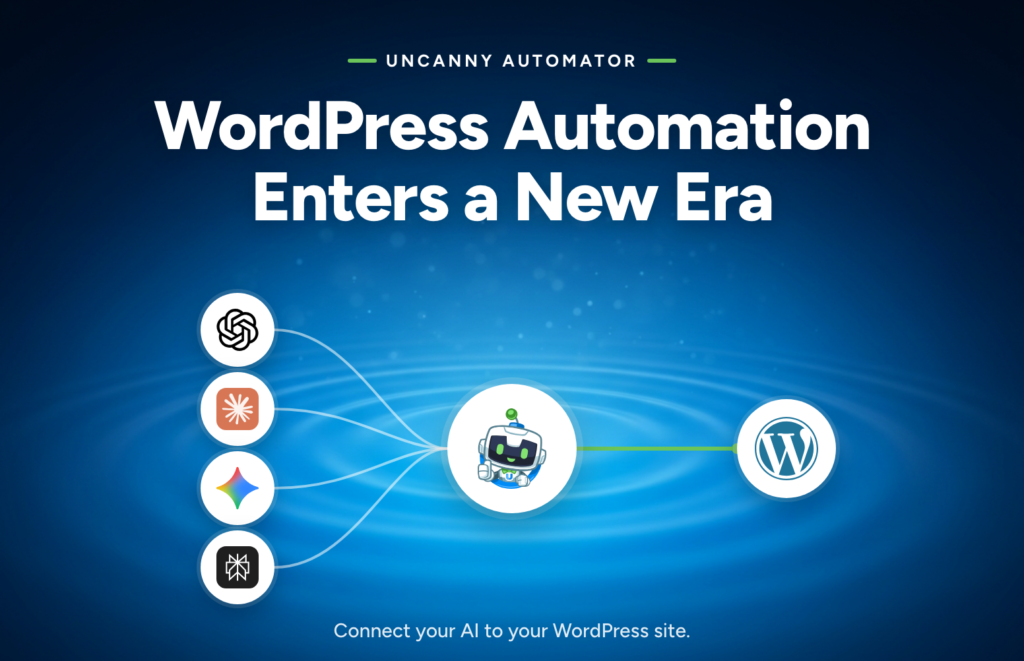
Today is a big day for Automator. Starting today, Uncanny Automator connects your AI to your WordPress site. Connect ChatGPT, Claude or Gemini and manage your site in plain language: pages, posts, products, courses, users, recipes, plugin updates, comments and more, without opening wp-admin. In other words, Uncanny Automator now lets you manage and automate your site with your AI.
This is the biggest change we’ve made to Uncanny Automator since we launched it. And I want to share why we believe it’s the future of automation on WordPress.
What “WordPress automation” has meant so far
Automation can be broadly defined as “The use of technology to perform tasks with minimal human intervention”. Since 2018, that’s what Uncanny Automator recipes have done on WordPress. A recipe is a set of triggers, conditions and actions that run the same way every time. Send every form submission to Google Sheets. Share every new post to your social accounts. Enroll a customer in a course the second they buy.
Recipes are perfect for work that repeats, where the inputs and outputs are predictable. Our customers use them every day.
But that’s a small slice of what running a WordPress site actually involves. What about the other stuff? Writing the next blog post. Fixing that one page. Working out why the site got slow. Updating plugins. Looking up an order. Each of those still required logging into wp-admin, clicking through screens, and waiting.
That bugged us. Our whole reason for existing is to take work off your plate, and we were only taking the repeating kind. So the question we kept coming back to as a team was: how do we automate the rest?
Automation beyond recipes
The answer was everywhere: AI, a technology whose sole purpose is to “perform tasks with minimal human intervention”. Businesses everywhere are using it to accelerate their work, and businesses not using it are being left behind.
So in May we launched Uncanny Agent – an AI built into Uncanny Automator designed to help you automate “the rest”. It was accessible on every screen of /wp-admin and using it to get things done was only a click away.
Some customers immediately embraced Uncanny Agent, using it to pull reports, analyze their site, build pages, create recipes and more. But many did not. And when we started asking why, the answer was clear – people were already working with ChatGPT, Claude, Gemini or their AI of choice. Using Uncanny Agent still meant logging into their WordPress admin and chatting with an AI that knew their site but didn’t have any other context about their business. A completely separate system.
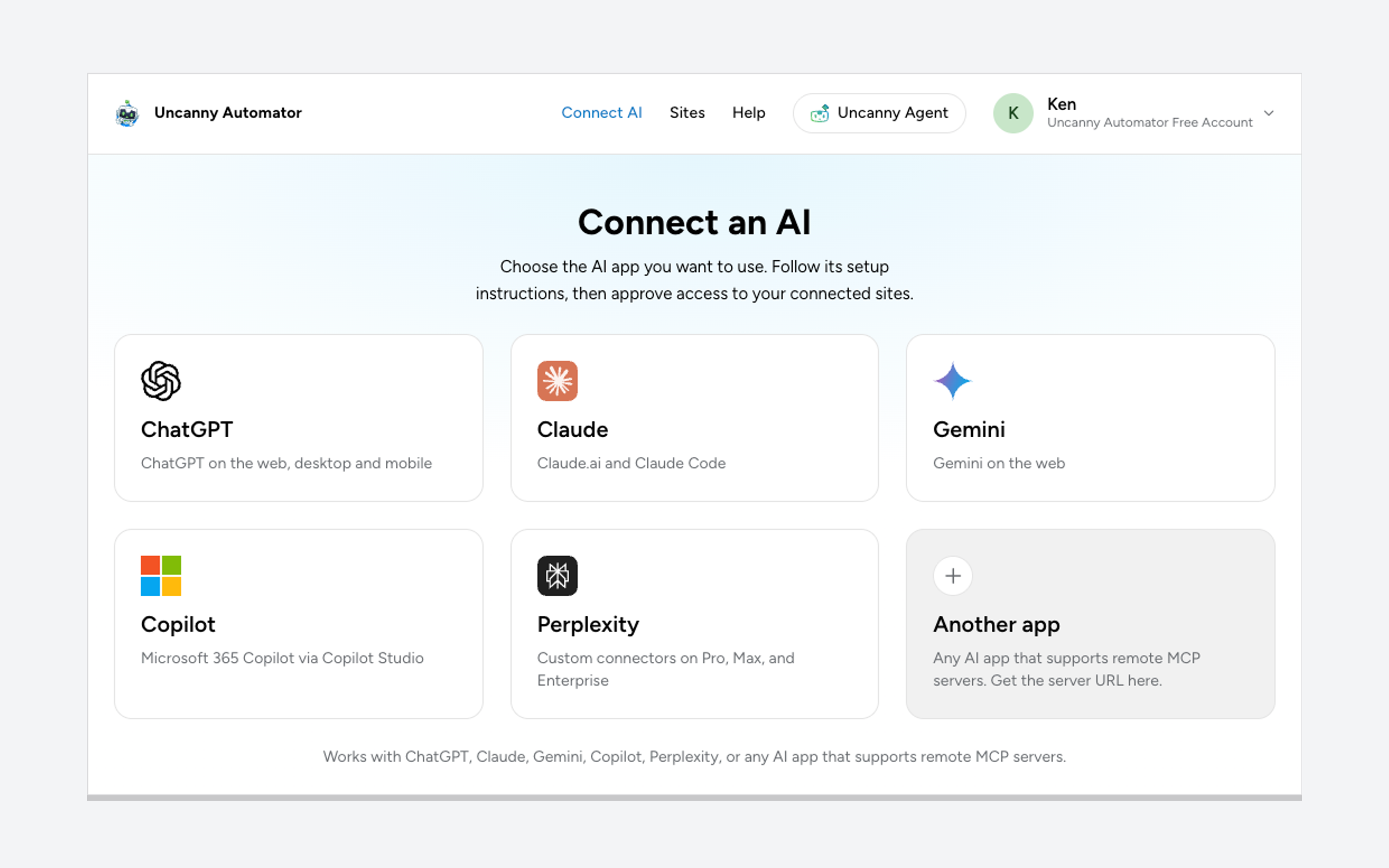
So in Uncanny Automator version 8.0, we took the infrastructure that powered Uncanny Agent, expanded it, extended it, and made it available to any AI through a secure encrypted protocol called MCP (Model Context Protocol) supported by all of the major AI providers.
Now you can simply point your own AI at your WordPress site and it can:
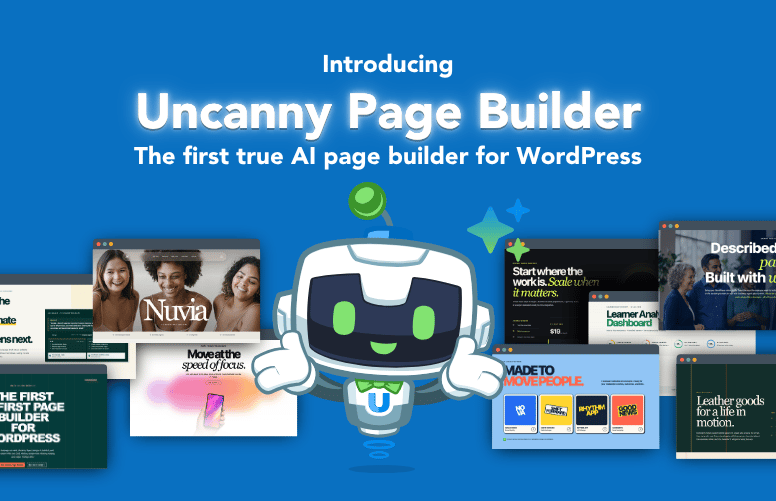
- Build and update pages in the page builder you already use: Gutenberg, Spectra, Elementor, Divi or WPBakery. On a block theme, your AI can build the whole site in the Site Editor: pages, headers, footers, navigation, templates and global styles. (No page builder? Uncanny Page Builder is built in: fast, light and AI-native.)
- Write in your voice. Ask it to read your last ten posts, draft the next one to match, set the SEO title and description, and leave it in drafts for you to review.
- Review your SEO and tell you what to fix, page by page.
- Find out why the site is slow. Your AI can inspect your site’s code and files to diagnose a problem. (It’s not allowed to change files.)
- Keep the site maintained. Update, install, activate and deactivate plugins and themes, moderate comments, flush caches, and switch maintenance mode.
- Act across your plugins and apps. Your AI reaches Automator’s action library and the abilities your other plugins register with WordPress: enroll a learner, tag a contact, refund an order, post to Slack. See the list of WordPress abilities by plugin.
- Build and manage recipes for you. More on that in a moment, because no other WordPress MCP server can do it.
Uncanny Automator also teaches your AI how to work with the plugins you run. Skills are step-by-step guidance your AI loads for a specific plugin or task, and Uncanny Automator ships 200+ of them, including guides for WooCommerce, LearnDash, Tutor LMS, WPForms, ACF, BuddyBoss, Fluent Forms and much more.
We’ve been using Uncanny Automator to manage our own sites with AI and it has completely revolutionized how we work with WordPress. Tasks that used to take hours now take minutes. Now that we’ve experienced it, we can’t imagine going back to how we did things before, and once you try it, we’re pretty sure you won’t be able to either.
Connect in 60 seconds
If you’ve got an Uncanny Automator Pro license, simply update the plugin and click “Connect your AI”. Included with your plan is unlimited use of the MCP server, on however many sites your plan supports. And once you try it, you’ll want to use it: to run the sales analysis you usually have to export to Google Sheets, to queue up the next month of blog posts in a few minutes, or give your site a professional-looking design overhaul in a couple of hours.
If you’re on Uncanny Automator Lite (the free version), create a free account, and connect via the Setup Wizard with a few clicks. Once you’re connected, just ask your AI how to get started. It knows.
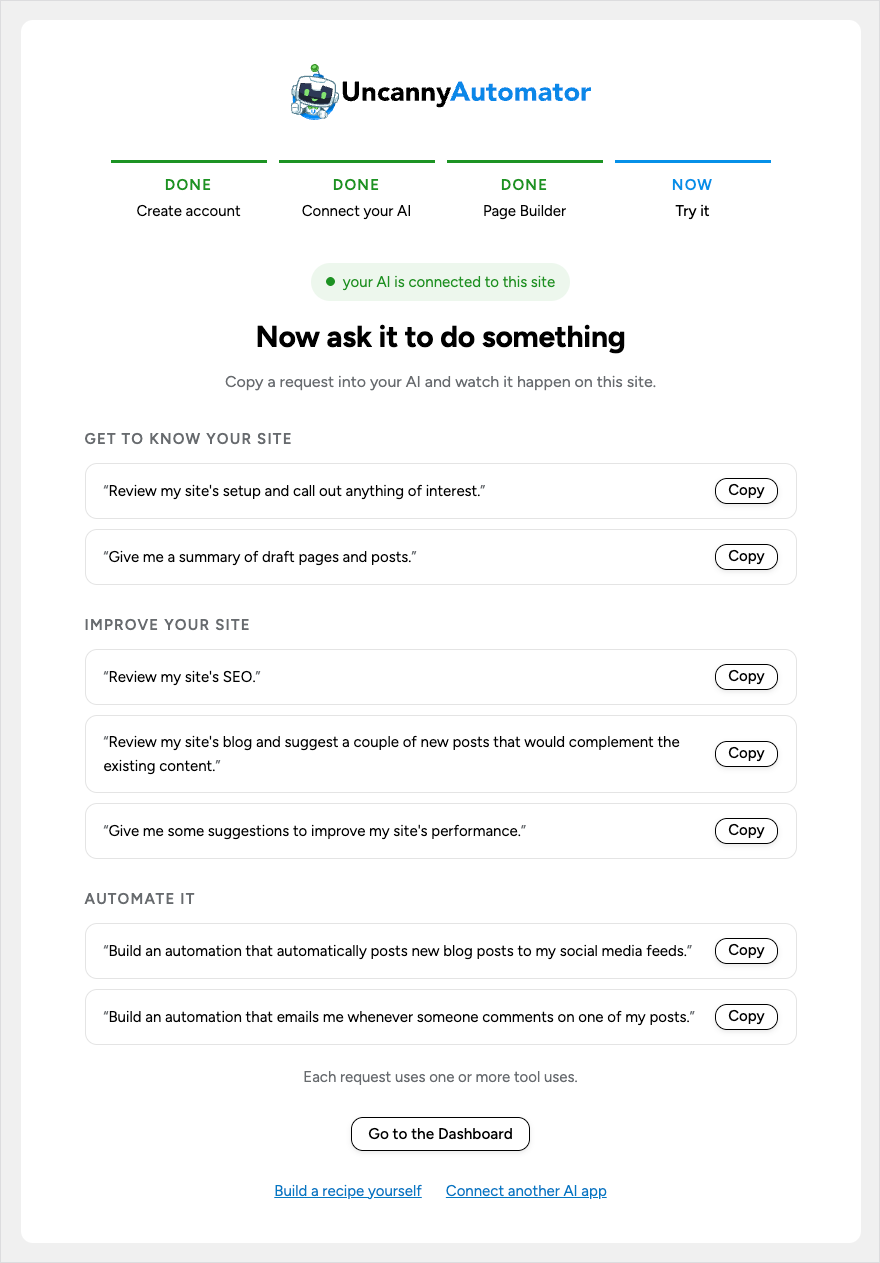
Lite includes 150 tool uses a day, boosted to 300 a day for your first week after you connect, and the count refreshes every day. A tool use is one thing your AI does on your site through Uncanny Automator: publish a draft, add a customer to a course, post a message about the spring sale to Instagram. Paid plans have unlimited tool usage. No AI subscription? Uncanny Agent is still there, ready to be turned on and put to work.
Automations that keep working after the chat ends
Here’s the part we’re proudest of, and the part that makes Uncanny Automator different from every other WordPress MCP server. It’s the only MCP server with a built-in automation engine; the first automation engine created for WordPress is still here and ready for the new era.
Describe a workflow and your AI builds it as a recipe you can open, edit and audit. Once published, it runs on triggers and schedules with no AI in the loop, the same way every time, every run logged. If you want a model inside the workflow, to summarise, draft, translate or classify, add an AI step. We’ve started calling it automation building automations. See what recipes can do at /automations/.
Your site. Your rules.
We know what you’re thinking, because we thought it too: how much do I really want an AI doing on my site? The answer is, exactly as much as you say. Your AI can only do what you let it. You approve every connection as an administrator and choose read-only or read-and-write. There is a switch for everything: every tool, integration, single action and ability, plus a switch each for database access, site management and code and file reading.
The switches apply to every connected AI app at once, and no AI app can change them.
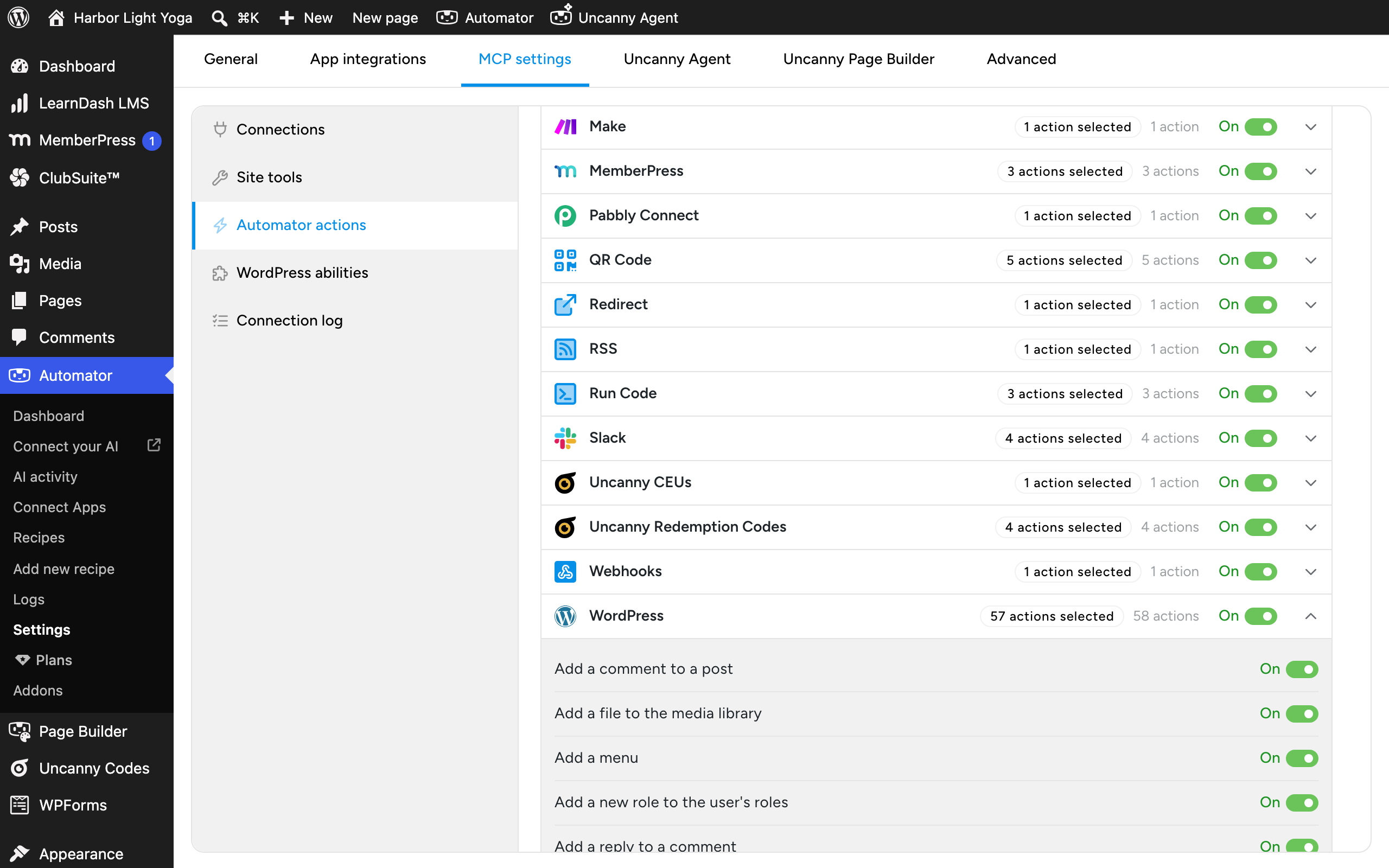
Raw database changes and deleting users are never available to any AI. No shell. No file writes. No direct database writes.
And you can see every call your AI made: which app, which site, what it did and the outcome. Read more about how Uncanny Automator is the most secure MCP server available for WordPress on the Security and control page.
And the recipe builder? We listened.
If you prefer not to use AI, nothing changes. Every recipe you have built keeps working exactly as it does today, and the visual builder is there if you prefer not to use AI at all.
In fact, in version 8.0 we’ve got some big news for everyone who has been building recipes with us over the past 8 years. Over the years we’ve received feedback about the recipe builder: what got hard to follow once a recipe had conditions and delays and loops in it, what took too many clicks, what you wished you could see at a glance. Uncanny Automator 8.0 ships with a brand new recipe builder: a flowchart view of your recipe, real branching, real nesting, autosave, and a lot more. Your recipes are exactly the same; the place you build them is a whole lot nicer. We’ve written it all up in a separate post: Same Recipes, New Kitchen: Introducing the brand new recipe builder.
And we’re not easing off on that side. We keep investing in automation: new integrations and recipe features are planned for Q4 and beyond, on the automation plugin with the deepest plugin integration catalog in WordPress.
The biggest shift in how WordPress sites are run
Automation on WordPress used to mean picking the handful of workflows worth setting up and doing everything else yourself. Now it means almost everything on your site: the repeating work runs as recipes, and the rest you hand to the AI you already use. Recipes and a connected AI are two kinds of automation, deterministic and conversational, and Uncanny Automator gives you both.
We think this is the biggest shift in how WordPress sites will be managed, and our whole team is thrilled to be leading it. Connect your AI. Manage and automate your website.
If you have questions, leave a comment below or send us an email. We read every one, and we’d love to hear what you ask your AI to do first. Thank you for being an Uncanny Automator user; none of this happens without you.
Ken Young
Co-founder, Uncanny Automator
FAQ
Is Uncanny Automator a WordPress MCP server? Yes. An MCP server is how AI apps such as ChatGPT or Claude connect to other software. Uncanny Automator is an MCP server for WordPress with a built-in automation engine: it connects your AI to your WordPress site, so you can manage and automate the site with your AI. Details are on the MCP server page.
Do I need an AI subscription? No. Most people connect the AI they already pay for (ChatGPT, Claude, Gemini, Copilot, Perplexity or any AI app that supports remote MCP servers). If you don’t have one, Uncanny Agent is built into the plugin: it does the same things with nothing to set up, and it is free to start.
What happens to the recipes I’ve already built? Nothing. They keep running exactly as they do today, and they open in the new recipe builder with the same triggers, actions, tokens and settings. What’s new is that your AI can now build, edit and explain them for you. See Same Recipes, New Kitchen for the builder.
Is it safe to let an AI into my site? An AI can only do what you let it. You approve every connection as an administrator, choose read-only or read-and-write, and can switch off any tool, integration, single action or ability for every connected AI in one click; no AI app can change those switches. Raw database changes and deleting users are never available to any AI. Your AI works through Automator’s actions, plugin abilities and reviewed WordPress operations; it can read your site’s code and files to diagnose problems, but it can never change a file, run a shell command or write to the database directly. Disconnect an app in one click and its tokens stop working immediately.
Does it work with my page builder? Yes. Your AI builds and edits pages in Gutenberg, Spectra, Divi and WPBakery, and works in Elementor through Elementor’s own abilities. On a block theme it can build the whole site in the Site Editor. No page builder? Uncanny Page Builder is built in: fast, light and AI-native.
What does it cost? Connecting your AI is included in the free plugin, for up to 150 tool uses a day (300 a day in your first week). Paid plans add unlimited tool usage, every Pro trigger and action, addons, and more sites. See plans.

Related Posts


Comments (0)