

While you are in /wp-admin, you will see a tab at the bottom of the screen that launches Uncanny Agent.
The tab is simply a static button that opens the Uncanny Agent window. Uncanny Agent does not load until you click the tab and initiate a conversation.
If you prefer not to see the tab at all, you can disable it entirely from the Automator settings page.
To disable Uncanny Agent:
- Log in to your site as an admin.
- Go to Automator > Settings > Uncanny Agent.
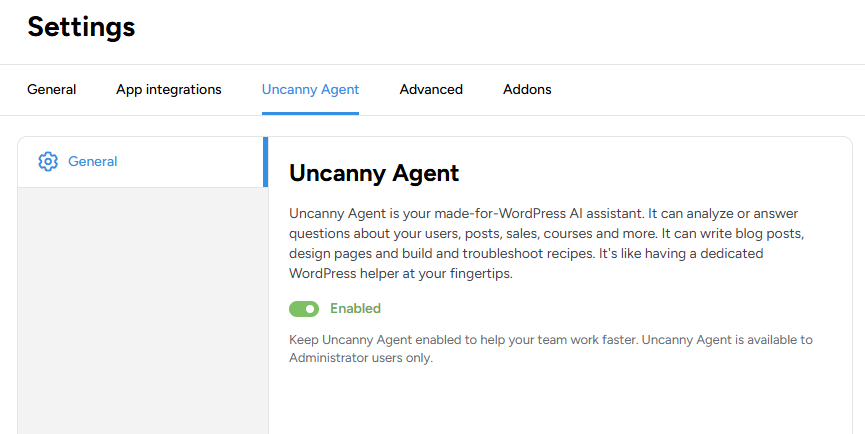
- Toggle the Enabled switch off.
This disables the Uncanny Agent tab on the current site. If you have your Uncanny Automator license activated on other sites, you will need to toggle this setting on the other sites.
Learn more about how Uncanny Automator works with multi-site licenses.
























































Comments (0)